
Why Image Optimization is a Non-Negotiable for Your Website
Image optimization tools are essential software and services that compress and convert your website images to reduce file size while maintaining visual quality. Here are the top tools to consider:
| Tool Type | Best For | Key Benefit |
|---|---|---|
| TinyPNG | General use | Up to 80% file reduction, 20 images at once |
| Optimole | JPEG compression | 94.77% JPEG reduction, user-friendly interface |
| JPEG Optimizer | PNG compression | 88.49% PNG reduction, no file size limits |
| Squoosh | Developers | Modern formats like AVIF, advanced controls |
| Compressor.io | Quick wins | Up to 90% reduction, lossy/lossless options |
Your website’s speed isn’t just about user experience anymore. It’s a ranking factor that Google actively measures through Core Web Vitals. Images typically account for the largest chunk of page weight, and unoptimized photos can slow your site to a crawl.
Here’s the reality: a slow-loading website loses visitors before they even see your content. Research shows that faster page loads directly improve user experience, reduce bounce rates, and boost your search engine rankings. When your images are bloated, your entire site suffers.
Image optimization solves this problem by shrinking file sizes through compression techniques. Lossy compression removes some data to achieve savings of 60-90% of the original file weight, often without visible quality loss. Lossless compression preserves every pixel but offers smaller size reductions.
Modern formats like WebP and AVIF take this further, delivering better quality at smaller sizes than traditional JPEG and PNG files. The right optimization tool can transform your site performance without sacrificing the visual impact your business needs.
Whether you’re running an e-commerce store with hundreds of product images or a local service business with a lean website, choosing the right image optimization tool matters. The difference between a tool that processes one image at a time versus one that handles bulk uploads can save you hours of work.
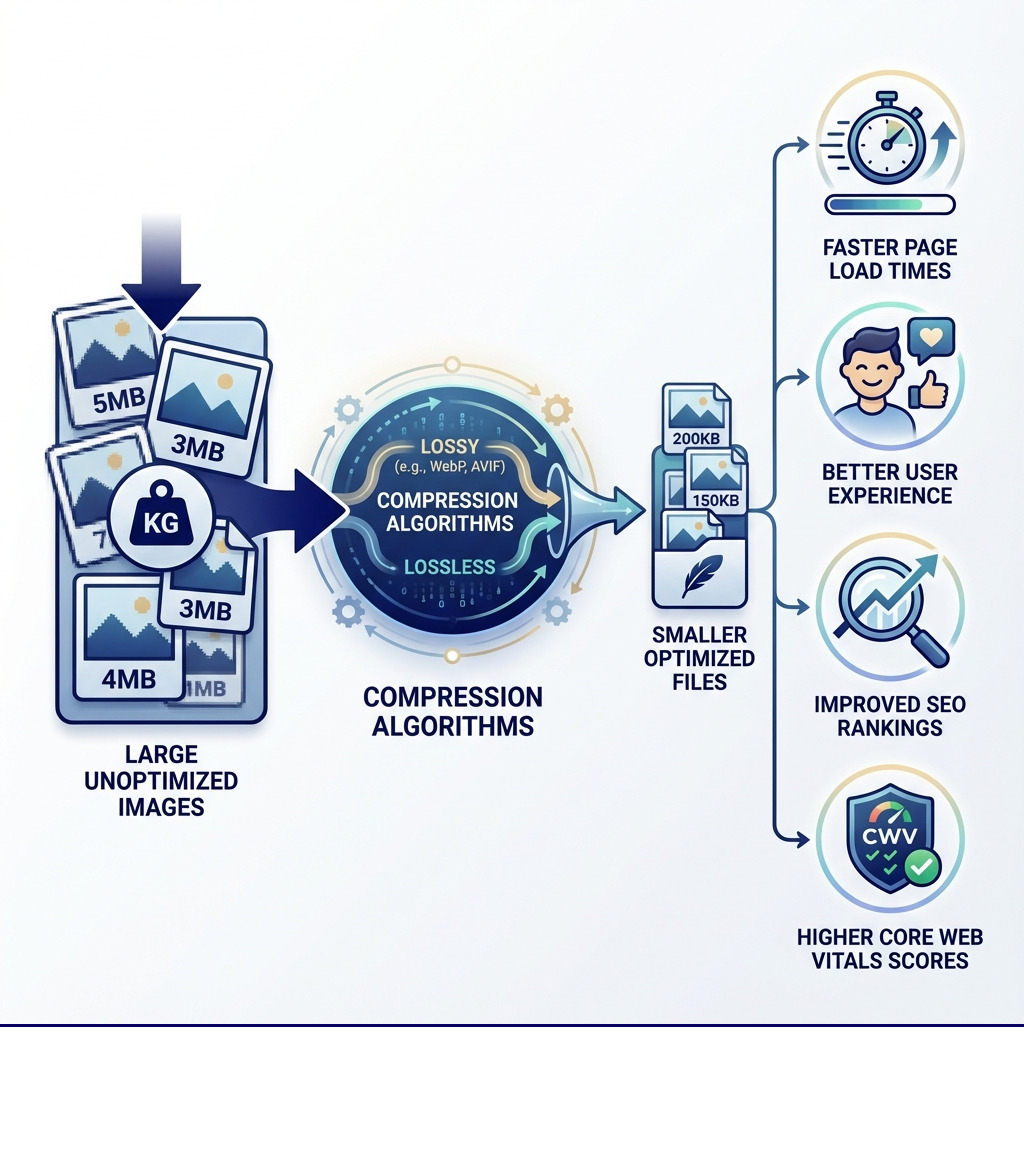
The Science of Shrinking: Lossy vs. Lossless Compression
When it comes to image optimization, the core principle is reducing file size without compromising visual integrity. This is primarily achieved through two main types of compression: lossy and lossless. Understanding the difference is crucial for selecting the right image optimization tools and techniques for your specific needs.
Lossy compression is like packing a suitcase for a long trip where you decide to leave a few non-essential items behind to make room. It permanently removes some data from the image, which cannot be recovered. The goal is to discard data that the human eye is less likely to perceive, resulting in significantly smaller file sizes. This method typically produces savings of at least 60% of the initial file weight, with savings of 80% to 90% occurring frequently. For most web images, especially photographs, lossy compression is the go-to method because it offers an excellent balance between file size reduction and perceived quality.
Lossless compression, on the other hand, is akin to compressing a file on your computer into a ZIP archive. No data is lost in the process; the image can be decompressed back to its original, pixel-for-pixel identical state. While this ensures perfect quality preservation, the file size reductions are generally much smaller compared to lossy methods. Lossless compression is ideal for sensitive brand and marketing visuals, or images where every single pixel and color needs to be precisely maintained.
The quality trade-offs are the main differentiator. With lossy compression, you might notice minor artifacts or a slight reduction in sharpness if the compression is too aggressive. However, modern lossy algorithms are incredibly sophisticated, often making the optimized result visually indistinguishable from the original even upon close inspection. The choice between lossy and lossless depends heavily on the image content, its intended use, and the acceptable level of quality degradation.
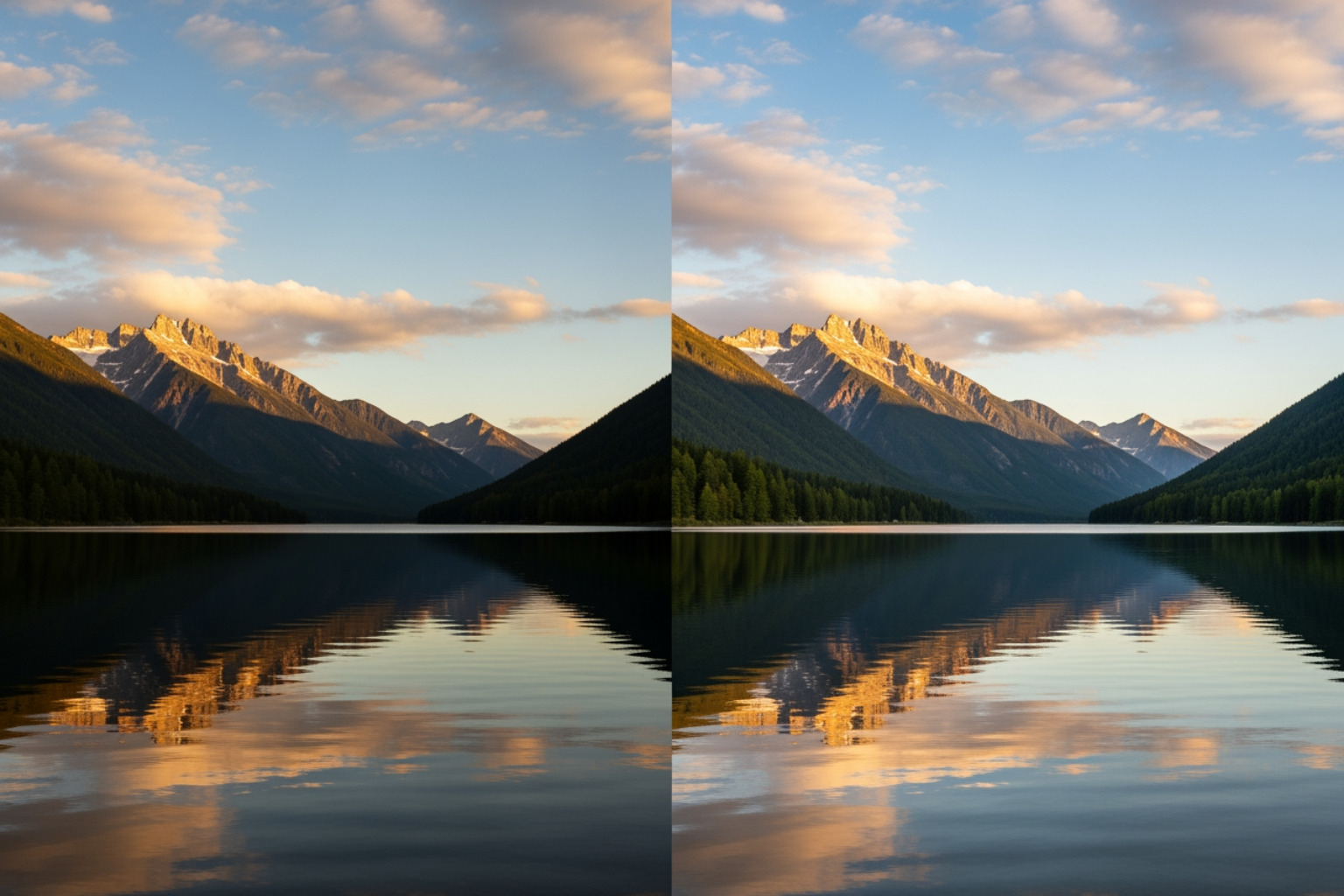
Understanding Modern Image Formats: WebP & AVIF
Beyond compression techniques, the image format itself plays a massive role in optimization. Traditional formats like JPEG and PNG have served us well, but newer formats like WebP and AVIF are changing the game, offering superior compression and quality.
WebP benefits are widely recognized. Developed by Google, WebP images are generally smaller in size compared to PNG and JPEG counterparts while maintaining optimal image quality. This leads to faster website loading times, improved user experience, and reduced bandwidth costs, especially beneficial for mobile users. WebP is supported by major browsers such as Chrome, Firefox, Edge, and Opera, making it a reliable choice for modern web development.
AVIF benefits push the boundaries even further. Derived from the AV1 video codec, AVIF offers even better compression efficiency than WebP, often delivering higher quality at significantly smaller file sizes. This makes AVIF a cutting-edge choice for those prioritizing maximum performance and visual fidelity. While browser compatibility is still expanding compared to WebP, it’s gaining rapid adoption. You can find more technical details about AVIF processing and its capabilities through developer resources.
Both formats represent a leap in superior compression and improved quality, allowing websites to load faster and look sharper with fewer bytes. Incorporating these formats into your strategy, especially when supported by your chosen image optimization tools, can provide a significant performance boost. For a holistic approach to enhancing your online presence, consider exploring More info about our SEO services.
How Compression Algorithms Work
The magic behind shrinking images lies in sophisticated algorithms that analyze image data and intelligently reduce its size.
For PNG files, a common technique is color reduction through a process called quantization. When you upload a PNG file, similar colors in your image are combined. By reducing the number of colors, 24-bit PNG files can be converted to much smaller 8-bit indexed color images. This results in better PNG files with full transparency support. Libraries like PNGQuant and ECT are often used for these advanced PNG compression techniques, which can make files 60-80% smaller than original 24/32-bit PNGs.
Metadata stripping is another crucial aspect of compression. Images often contain unnecessary metadata—information like camera settings, date, time, and location—that adds to the file size but isn’t visible to the user. Many image optimization tools automatically remove this data. While this reduces file size, it’s worth noting that if preserving specific metadata (like copyright or creation date) is important, some advanced tools or APIs offer options to retain it.
For JPEG encoding, the algorithm analyzes textures, patterns, and colors in the image. It then creates an optimally compressed JPEG file based on this information, minimizing distracting artifacts without big sacrifices in file size. MozJPEG, for instance, is an encoder developed by Mozilla that achieves higher visual quality and smaller file sizes simultaneously, and is even used by platforms like Instagram and Facebook.
Key Features to Look for in Top Image Optimization Tools
Choosing the right image optimization tools can feel overwhelming given the sheer number of options. To cut through the noise, focus on key features that align with your workflow and website’s needs.
One of the most critical features is bulk processing. Imagine having hundreds of product images to optimize; processing them one by one would be a nightmare. Tools that allow you to upload multiple images simultaneously, or even entire folders and ZIP archives, are invaluable.
API integration is a game-changer for developers and larger organizations. It allows programmatic access to optimization features, enabling automated workflows where images are optimized as they are uploaded to your server or content management system. This ensures consistent optimization without manual intervention.
File format conversion is another powerful feature. Being able to convert older formats like JPEG and PNG to modern WebP or AVIF, or even handling less common formats like HEIC by converting them to widely supported JPG, simplifies your image management.
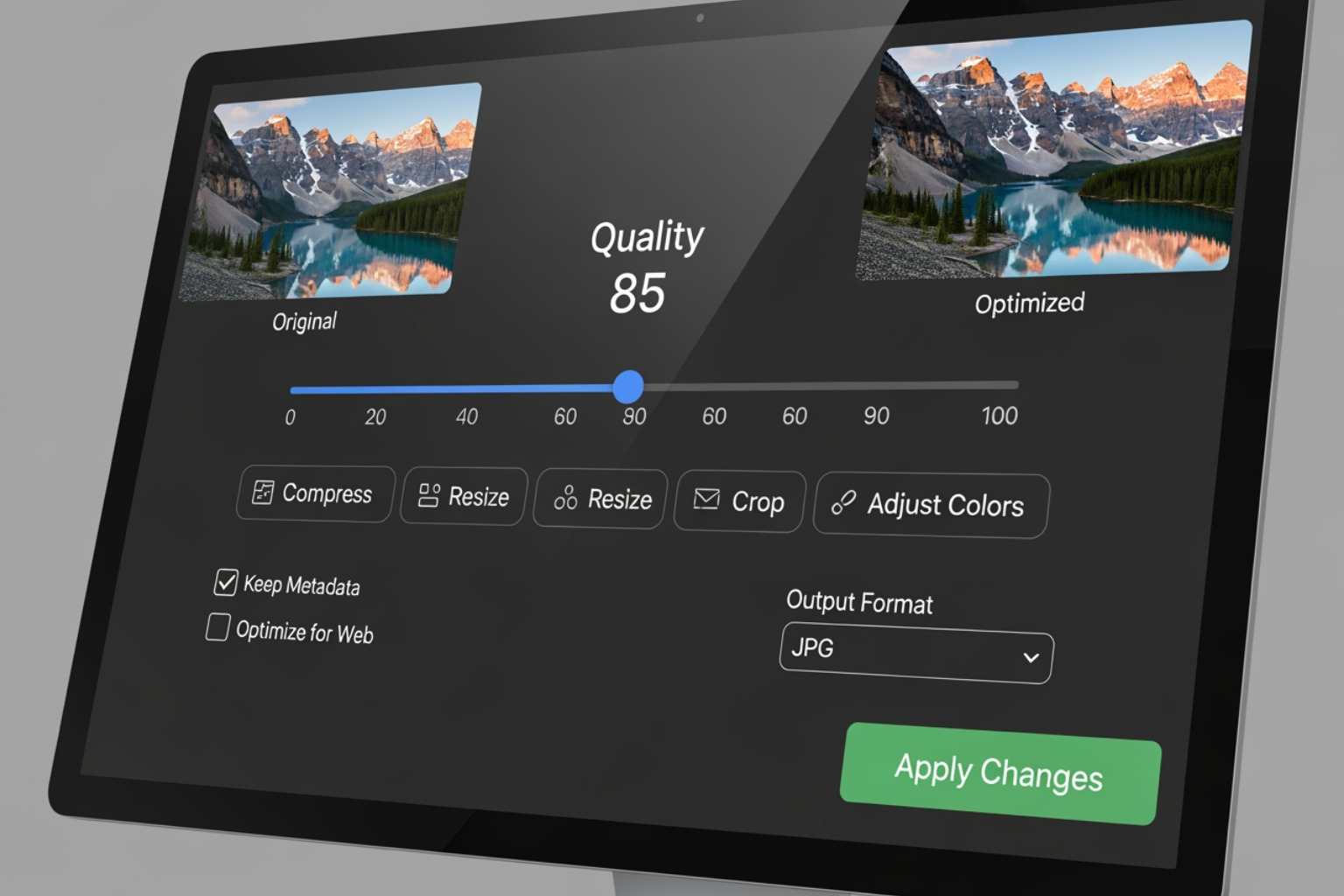
Compression level control gives you the power to fine-tune the balance between file size and quality. Look for tools that offer sliders or preset options (e.g., Lossy, Glossy, Lossless) so you can decide how aggressively to compress.
Before-and-after sliders are incredibly useful for visual comparison. They allow you to inspect the differences between the original and optimized image, ensuring you’re happy with the quality before saving. This immediate visual feedback is essential for maintaining your brand’s aesthetic.
Finally, consider features like cloud storage integration (e.g., direct saving to Dropbox or Google Drive) and resizing options. Resizing images to appropriate dimensions before compression can yield even greater file size reductions.
Evaluating Bulk Processing Capabilities
When managing a website with a significant number of images, the ability to process them efficiently is paramount. This is where the bulk processing capabilities of image optimization tools truly shine.
Consider the simultaneous uploads allowed by a tool. Some free online compressors might limit you to 5, 10, or 20 images at a time. For instance, TinyPNG allows up to 20 images, each a maximum of 5MB. Others, like Online Image Tool and JPEG.io, boast unlimited simultaneous uploads, which can be a huge time-saver.
Closely related are file size limits. While some tools have no limit, others cap individual image sizes (e.g., 5MB, 9MB, 10MB). Ezgif, surprisingly, offers a large 200MB file size cap, while ImageRecycle limits to 10MB. If you’re dealing with high-resolution source images, these limits can dictate which tool is viable.
For even larger volumes, look for tools that support folder uploads or ZIP archive processing. The ShortPixel Archive Optimizer, for example, allows you to upload a .zip archive containing thousands of images for bulk optimization. This level of automation is crucial for streamlining your workflow. To learn more about automating processes and improving efficiency, explore how to Streamline Your SEO Efforts Using Outsourced Services.
Advanced Options for Developers and Pros
For those with more technical needs, some image optimization tools offer advanced features that go beyond simple web interfaces. These are often geared towards developers, providing greater control and integration into existing workflows.
CLI tools (Command Line Interface) like Optimizt are perfect for developers. They allow you to compress PNG, JPEG, GIF, and SVG, and create AVIF and WebP versions directly from your terminal. This is ideal for scripting and automating optimization tasks as part of a build process.
Many CLI tools also support IDE integrations (Integrated Development Environment). For instance, Optimizt can be integrated into WebStorm/PhpStorm as an External Tool or set up as tasks in Visual Studio Code, allowing for seamless optimization within your development environment.
Metadata preservation is another advanced consideration. While stripping metadata generally reduces file size, there are cases where preserving certain EXIF data (like copyright, location, or creation date) is necessary. Some APIs, like TinyPNG’s Developer API, offer this granular control.
For highly specific JPEG optimization, Chroma subsampling can be an advanced setting to look for. This technique reduces the color information in an image more than the brightness information, as the human eye is less sensitive to color details.
Leveraging these advanced options ensures that image optimization is not just a one-off task but an integrated, automated part of your development and content management lifecycle. For a deeper dive into optimizing your digital presence, check out More info about our web marketing strategies.
Performance Benchmarks: How Effective Are Image Optimization Tools?
The true measure of image optimization tools lies in their effectiveness: how much can they shrink your images without noticeable quality loss? Performance benchmarks vary significantly between tools and image formats. We’ve compiled some key findings to help you understand what to expect.
| Tool Name | Max Images at Once | Max File Size (per image) | JPEG Compression (Avg. %) | PNG Compression (Avg. %) | Modern Format Support |
|---|---|---|---|---|---|
| Optimole Image Comp. | 5 | 5 MB | 94.77% | 74.78% | WebP |
| Compress Now | 10 | 9 MB | 93.92% | 96.54% (to JPEG) | None |
| Online Image Tool | Unlimited | No Limit | 90.86% | 84.11% | WebP |
| JPEG Optimizer | 20 | No Limit | 90.80% | 88.49% | None |
| Tiny PNG | 20 | 5 MB | 88.58% | 81.63% | WebP, AVIF, APNG |
| Optimizilla | 20 | No Limit | 85.01% | 75.98% | None |
| ImageRecycle | Unlimited | 10 MB | 87.18% | 79.52% | None |
| Compressor.io | 10 | 10 MB | 91.71% | 77.61% | WebP, SVG |
| Squoosh | 1 | No Limit | 92.38% (MozJPEG) | 26.92% (OxiPNG) | WebP, AVIF, JXL, QOI |
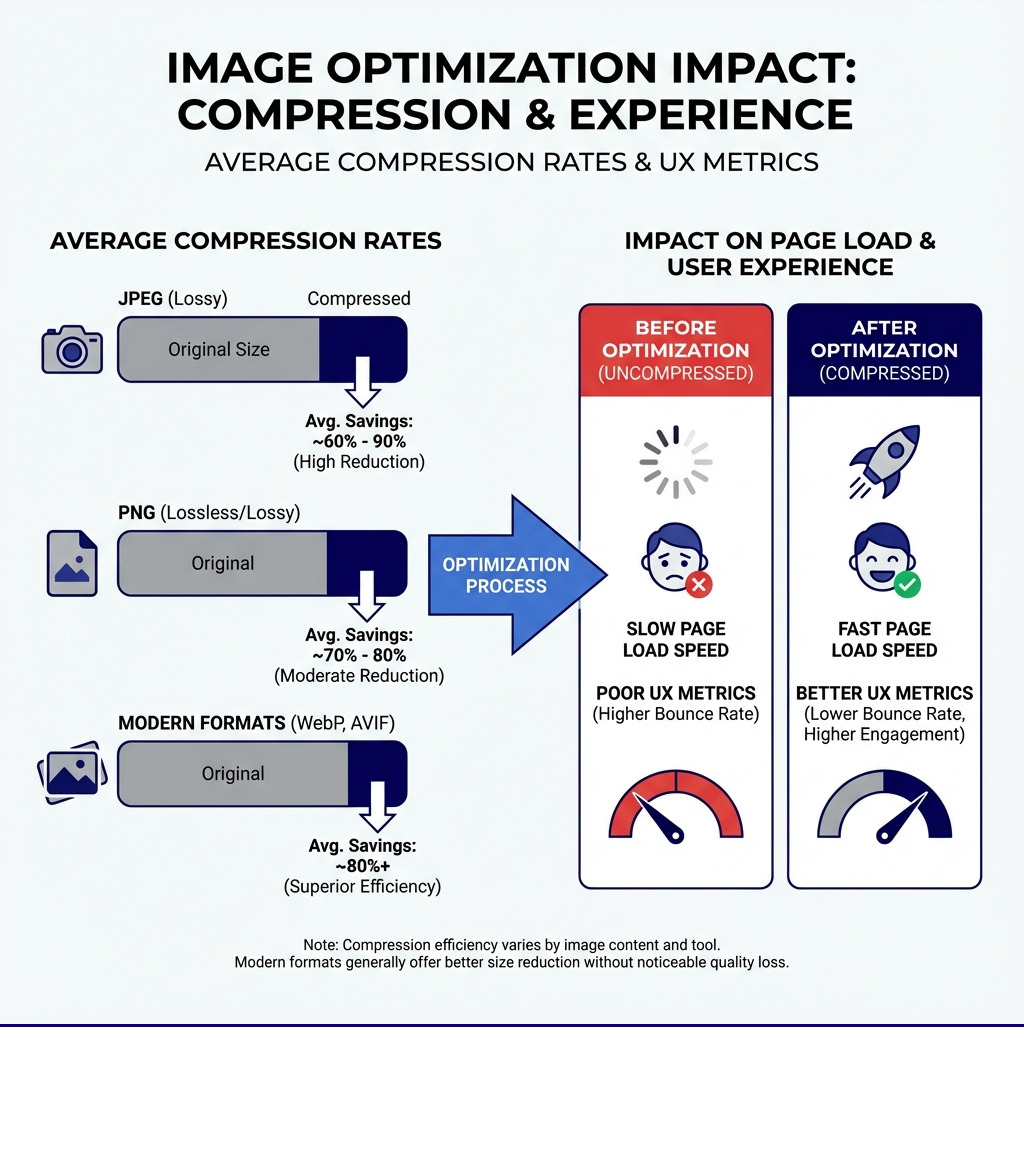
Analyzing JPEG Compression Results
For photographic images, JPEG remains a dominant format. The goal is to achieve maximum file size reduction while preserving visual quality. With lossy compression, typical savings of at least 60% of the initial file weight are common, with savings of 80% to 90% occurring frequently.
In recent tests, some image optimization tools showed remarkable high-end compression rates for JPEGs:
- Optimole emerged as a top performer, achieving an impressive 94.77% image compression result.
- Squoosh, utilizing MozJPEG, delivered 92.38% JPEG compression.
- Compressor.io also performed strongly with 91.71% reduction.
These figures demonstrate that significant file size reductions are possible without sacrificing image quality, especially when tools leverage advanced technologies like MozJPEG. The key is balancing quality and size to ensure your images load quickly without appearing pixelated or blurry.
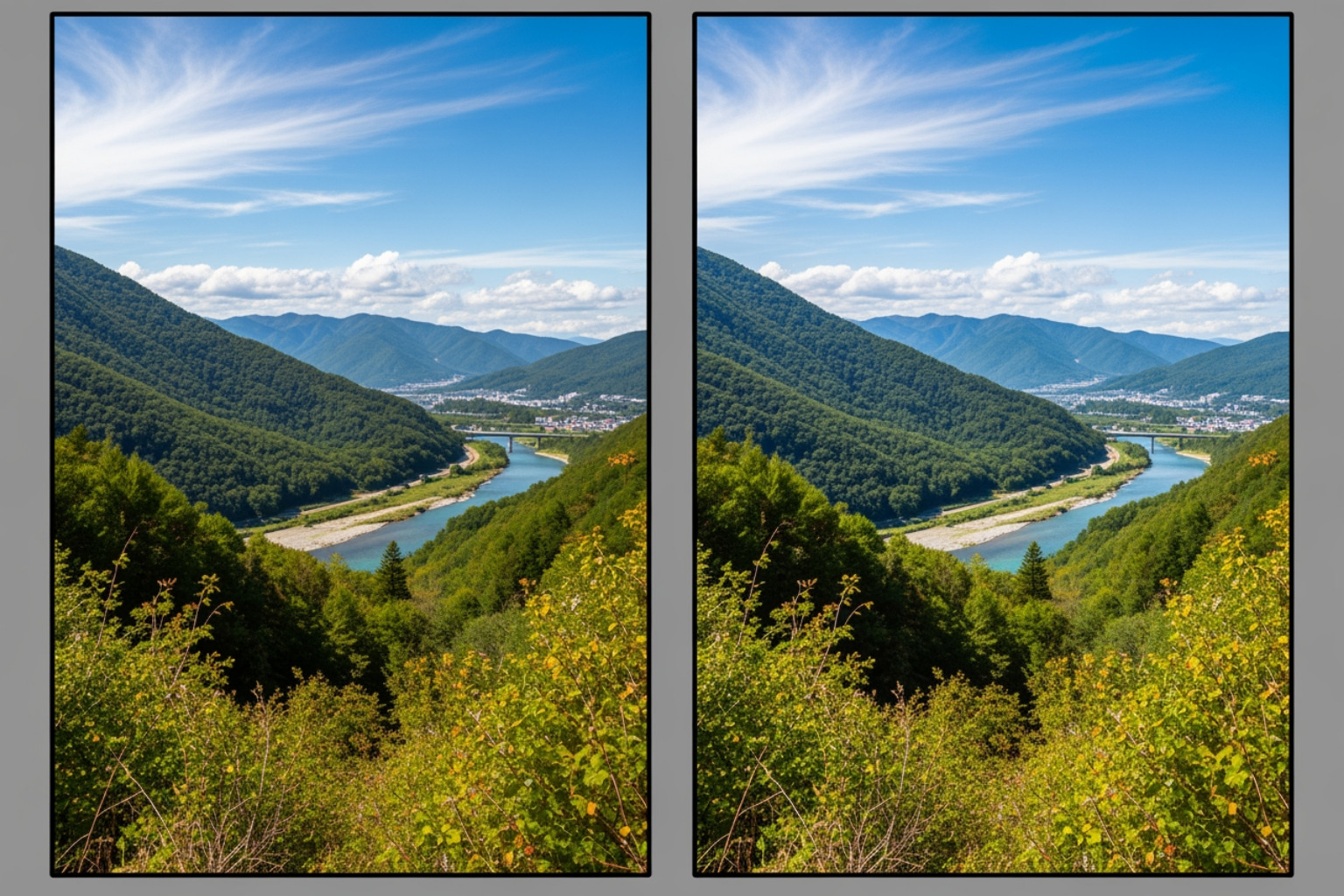
Analyzing PNG Compression Results
PNGs are favored for graphics, logos, and images requiring transparency. Optimizing them often involves different techniques compared to JPEGs. Lossy PNG techniques, such as converting 24-bit PNGs to 8-bit indexed color images through quantization, can lead to substantial savings while maintaining transparency support.
Some tools stand out for their PNG compression:
- JPEG Optimizer surprisingly took the crown for best PNG compressor with an 88.49% reduction.
- TinyPNG achieved 81.63% PNG compression, reducing file sizes by up to 80% without sacrificing quality.
Some tools, like Compress Now and JPEG.io, might convert PNG files to JPEG during optimization. While this can yield high compression rates (e.g., Compress Now achieved 96.54% for PNGs converted to JPEG), it’s not a true 1:1 comparison as the output format changes, and transparency is lost. For insights into building authority for your website, explore Insights on How to Build Quality Backlinks for SEO Growth.
Frequently Asked Questions about Image Optimization
Are online image optimization tools safe to use?
The safety of online image optimization tools is a common concern. Generally, reputable tools prioritize user privacy and data security. Many services explicitly state their data retention policies, often purging uploaded images after a set period. For example, some tools indicate that all uploaded data is deleted after one hour, while others, like TinyPNG, retain images for a maximum of 48 hours before permanent deletion.
It’s crucial to understand who has image access. Most reliable tools ensure that only you, the uploader, have access to your images. They employ server-side security measures to protect your data during the compression process. Always review the tool’s privacy policy or terms of service for specific details regarding how your images are handled and stored. If a tool doesn’t provide clear information, it might be best to err on the side of caution.
What is the typical cost for advanced image optimization?
The image optimization tools market offers a range of pricing models, from completely free to enterprise-level subscriptions.
Many online compressors provide free tiers with certain free tool limitations. These often include:
- A maximum number of images per batch (e.g., 5, 10, or 20 images).
- A cap on individual image file size (e.g., 5MB, 10MB).
- Limits on file conversions (e.g., up to 3 conversions for free).
- Lack of advanced features like API access or historical data.
For more extensive needs, subscription models are prevalent. These typically offer higher limits, bulk processing capabilities, API access, and dedicated support. Examples include “Web Pro” and “Web Ultra” plans, catering to users with varying volumes and feature requirements. API pricing is usually based on the number of images processed per month, ideal for developers integrating optimization into their applications. Some services might also offer pay-per-image credits or one-time payment plans for specific projects. While we don’t provide specific pricing, understanding these models helps in budgeting for your image optimization strategy.
Which image format is best for my website?
Choosing the “best” image format depends on the image content and your specific needs, balancing quality, file size, and browser support.
- JPEG for photos: JPEG is the undisputed champion for photographic images with a wide range of colors and subtle gradients. It uses lossy compression, making it excellent for reducing file size while maintaining good visual quality for complex scenes.
- PNG for graphics with transparency: PNG is ideal for logos, icons, illustrations, and any image requiring a transparent background. It uses lossless compression, ensuring crisp edges and perfect color reproduction, though often resulting in larger file sizes than JPEGs for similar visual content.
- WebP for a modern balance: WebP offers superior compression for both photographic and graphic images, often achieving smaller file sizes than both JPEG and PNG while maintaining comparable quality. Its wide browser support makes it an excellent all-rounder for modern websites.
- AVIF for cutting-edge performance: AVIF provides even better compression and quality than WebP, especially for high-resolution images. It’s the most advanced format but still has slightly less universal browser support. However, as support grows, it’s becoming the go-to for maximum optimization.
Always consider browser support for your target audience. Serving modern formats like WebP and AVIF to compatible browsers while gracefully falling back to JPEG or PNG for older browsers is a best practice.
Conclusion: The Final Word on Compressing for Success
In today’s digital landscape, the speed and efficiency of your website are paramount. Unoptimized images are often the silent culprits behind slow loading times, frustrated users, and missed opportunities. By leveraging the power of image optimization tools, businesses can significantly improve their website performance, improve user experience, and boost their search engine rankings.
We’ve explored the nuances of lossy and lossless compression, highlighted the advantages of modern formats like WebP and AVIF, and outlined the essential features to look for in effective image optimization tools. From robust bulk processing capabilities to advanced developer options, the right tool can transform your digital presence.
Image optimization isn’t just a technical task; it’s a strategic move that directly impacts your bottom line. It’s an integral part of a larger SEO and GMB strategy, ensuring that your website not only looks great but also performs at its peak.
At MDM Marketing, we understand the critical role that a finely tuned website plays in achieving your business goals. Our expertise in SEO and digital marketing helps businesses in Canton, OH, and beyond, steer these complexities, ensuring their online presence is both powerful and efficient. Take your site’s performance to the next level and ensure your visuals work as hard as your content. Contact us for a comprehensive SEO audit today and let us help you compress like a boss!
About Jay McCullough
This author hasn't written a bio yet.