
Why Your Phone Number Update Keeps Getting Rejected
If google business manager keeps declining my phone number change, you’re facing a common but critical issue. An incorrect phone number means lost customer calls, damaged trust, and poor local search rankings. When potential customers can’t reach you, they move on to your competitors.
Google’s goal is to show accurate, trustworthy information. When you submit a phone number change, its algorithm checks it against data from across the web. If there are discrepancies or red flags, your update gets declined. Here are the most common reasons:
- Inconsistent information: Your phone number doesn’t match what’s listed on your website, social media, or online directories.
- Phone number type issues: You’re using a VoIP, toll-free, or call tracking number instead of a dedicated local business line.
- Verification problems: Your profile isn’t fully verified or has guideline violations.
- Too many changes: You’ve updated your number multiple times in a short period, triggering spam filters.
- Redirecting numbers: The number forwards to another line instead of connecting directly to your business.
This guide will walk you through the exact steps to fix the underlying issues and get your correct number approved.
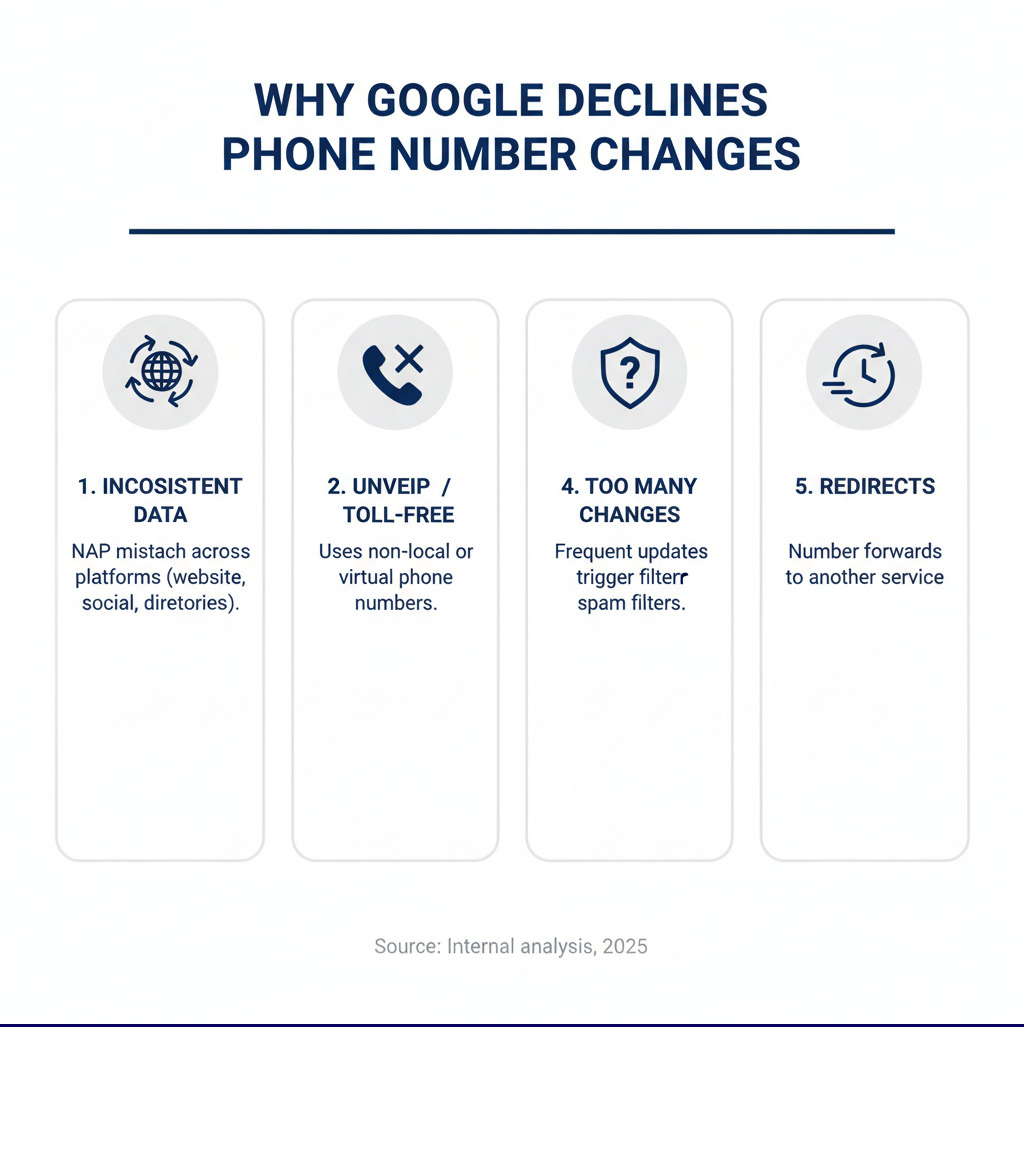
Google business manager keeps declining my phone number change terms to remember:
Why Google Declines Phone Number Changes
Google’s top priority is providing accurate and trustworthy information. When you submit an edit, Google’s algorithm cross-references it with data from across the web. If there are discrepancies or red flags, the change will be denied. Understanding these reasons is the first step to solving the problem.
Inconsistent Business Information (NAP)
The most common reason google business manager keeps declining my phone number change is inconsistent business information. Google requires your Name, Address, and Phone number (NAP) to be identical across the web. Think of your NAP as a digital fingerprint.
When you request a change, Google’s algorithm scans other trusted sources, known as online citations, to verify it. These include your website, social media profiles, and business directories. If Google finds conflicting phone numbers, it will decline the update to avoid displaying incorrect information.
Inconsistent NAP harms more than just your update request; it can lower your local search rankings and erode customer trust. To fix this, ensure your website information, social media profiles, and all business directory listings match your GBP exactly. This digital consistency is crucial for approval. Learn more about building this consistency with our guide on Google Local Citations.
Phone Number Type and Quality Issues
The type of phone number you use is critical. Google prefers numbers that prove you have a genuine physical presence.
- Local numbers: This is the best option. A number with a local area code (like 330 or 234 for the North Canton, OH area) that connects directly to your business is a strong signal of legitimacy.
- VoIP and Toll-free numbers: These can be problematic. Google’s algorithms may view them with suspicion as they aren’t always tied to a physical location and can be associated with spam. While they can be approved if used consistently everywhere, a local number is safer.
- Call tracking and Redirecting numbers: Any number that forwards or redirects to another line can be rejected. Google wants to connect users directly to your business.
- Premium-rate numbers: Numbers that charge customers extra to call are a violation of Google’s guidelines and will be rejected.
If your change is being declined, evaluate the number you’re using. A direct, local line is your best bet for approval.
Profile Verification and Guideline Violations
A healthy, verified profile is essential for getting edits approved. Google needs to confirm you are the legitimate business owner before accepting significant changes.
- Verification Status: Your profile must be fully verified. An unverified or partially verified profile is a major red flag, and edits will likely be denied.
- Profile Completeness: A sparse profile looks suspicious. Fill out every section: add a detailed business description, upload high-quality photos, and specify your hours and service areas. The more complete your profile, the more trustworthy it appears.
- Guideline Violations: Any violation of Google’s platform guidelines can restrict your ability to make edits. If your profile is suspended, you cannot make any changes until the suspension is resolved.
Ensuring your profile is verified, complete, and compliant is the foundation for successful updates.
A Step-by-Step Guide to Get Your Phone Number Approved
If google business manager keeps declining my phone number change, follow these preparatory steps to build a foundation of trust with Google and increase your chances of a successful update.

Step 1: Conduct a Pre-Update Audit
Before editing your GBP, audit your business’s online presence to ensure your Name, Address, and Phone number (NAP) are identical everywhere.
- Update Your Website: Your website is the first place Google checks. Display the new phone number prominently on your contact page, header, and footer. Use a consistent format, e.g., (XXX) XXX-XXXX.
- Audit Online Directories: Systematically update your phone number on all online directories. This is a critical step if google business manager keeps declining my phone number change.
- Check Social Media: Update your contact information on all business social media profiles.
The golden rule is NAP consistency. Even minor differences like “Street” vs. “St.” can cause issues. Prioritize checking major online directories, social media platforms, map services, industry-specific sites, and your local chamber of commerce.
This audit builds the foundation of trust Google needs to approve your change. For more on this, read our article on Google Local Citations.
Step 2: Submit the Change Correctly on GBP
With your online information consistent, you can now submit the change on GBP.
- Log into your GBP dashboard (search “my business” on Google).
- Steer to “Edit Profile” > “Business information.”
- Click the pencil icon next to your phone number to edit.
- Enter the new number using the correct formatting that matches your website and directories. Use a direct line without extensions if possible.
If you’ve been declined before, try these troubleshooting tips:
- Use an incognito mode browser window to avoid issues with cached data.
- Try submitting from a desktop computer if you’ve been using the mobile app, or vice versa.
- Clear your browser’s cache and cookies for a fresh start.
After submitting, be patient. The review can take up to five business days. Do not resubmit the change, as this can trigger spam filters. For more optimization strategies, explore our GMB Optimization Services.
Step 3: Ensure Your Profile is Fully Verified
A complete and verified profile is more likely to have edits approved quickly. If your profile’s health is poor, it could be the root cause of the declines.
- Profile Completeness: Fill out every field in your GBP dashboard. This includes a compelling business description, high-quality photos of your location and team, and clearly defined service areas and business hours.
- Verification Status: Your profile must be fully verified. If it’s not, complete the process immediately. Verifying your business listing is a non-negotiable step for getting changes approved.
- Profile Activity: Show Google your profile is actively managed. Regularly respond to reviews, answer questions in the Q&A section, and use Google Posts to share updates. An active profile signals legitimacy and trustworthiness to Google’s algorithms. A dormant profile with a sudden change request looks suspicious.
What to Do When Google Business Manager Keeps Declining My Phone Number Change
If you’ve done everything right and google business manager keeps declining my phone number change, it’s time to escalate. This means providing Google with official documentation to prove your phone number is legitimate.
Gathering Evidence for an Appeal
When automated systems fail, you need to provide Google with official documentation that proves your phone number is legitimate. The business name and address on your evidence must match your GBP exactly. Scan these documents and have them ready before you start the appeal.
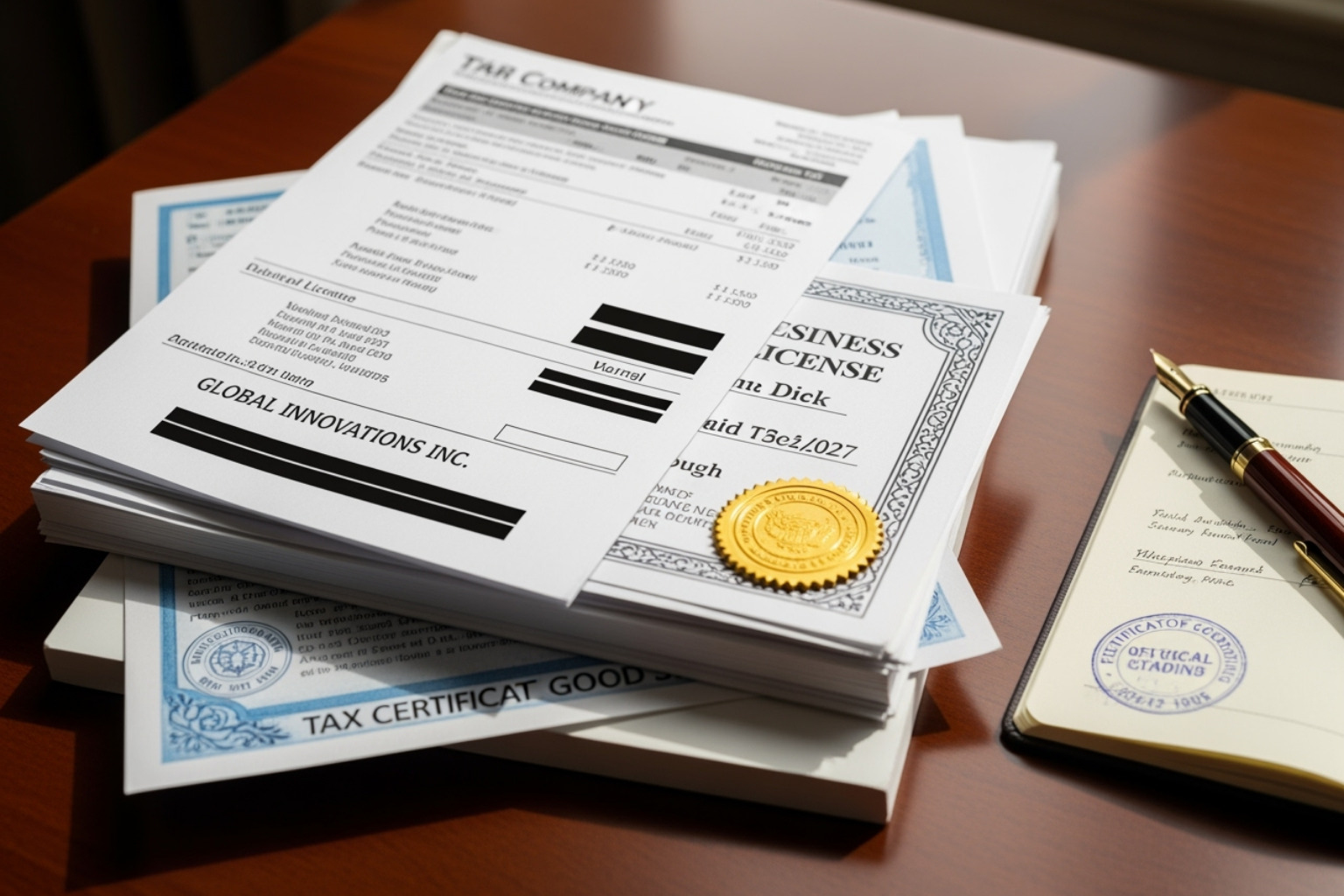
Acceptable evidence includes:
- Official business registration documents
- A current business license
- Recent tax certificates
- Recent utility bills (phone, electricity, water) showing the business name and address
Contacting Google Support and Filing an Appeal
With your evidence ready, you can formally appeal the decision.
- Access the Google Support Form for GBP issues (search for “Google Business Profile appeal tool”).
- Submit a reinstatement request or appeal. Explain the situation clearly and professionally.
- Attach your evidence submission. Crucial Tip: The evidence upload form has a 60-minute timer. Have your files ready to go before you start, or they won’t be attached to your case.
After submitting, wait for Google’s review, which can take several business days. Do not submit multiple appeals. For a visual guide, see this video on How to Use the Google Business Profile Appeal Tool.
Why my google business manager keeps declining my phone number change even after an appeal?
If your appeal is denied, it’s incredibly frustrating. This usually points to a deeper issue:
- Account-Level Restrictions: The problem might be with your Google Account, not your GBP. If your account has been flagged for policy violations, it can prevent profile changes. Check for account restrictions on your My accounts page and resolve any issues there first.
- Persistent Inconsistencies: A high-authority citation (like an old government database or major directory) that you missed might still list your old number, overriding your change.
- Algorithmic Errors: Though rare, your number might be incorrectly flagged as spam. In this case, submitting a new, well-documented appeal is the best course of action.
If you’re stuck in this loop, professional help may be needed. An experienced local SEO specialist can identify subtle issues and communicate effectively with Google support. Learn more about our Local SEO services for expert assistance.
Preventing Future Issues with Your Google Business Profile
Getting your phone number approved is a victory, but the work isn’t over. Proactively managing your profile is key to maintaining accuracy and preventing future problems.
Securing Your Profile from Unauthorized Edits
Google allows users, Local Guides, and its own AI to suggest edits to your profile to keep information current. While sometimes helpful, this can lead to unauthorized changes to your phone number, address, or hours.
To protect your profile:
- Enable Email Notifications: Turn on notifications in your GBP settings to get an immediate alert for any suggested edit.
- Regularly Check Your Dashboard: Log in weekly to review any pending changes, which Google highlights in orange. Immediately reject any incorrect suggestions.
This proactive monitoring is your best defense against unwanted edits. For more security strategies, explore our insights on SEO and GMB.
The Long-Term Impact of Inconsistent Information
The consequences of inconsistent information go beyond a declined edit.
- Lost Customer Trust and Revenue: When a potential customer finds an incorrect phone number, they don’t keep trying—they call your competitor. Every wrong number is a lost lead and lost revenue.
- Negative SEO Impact: Conflicting information confuses Google’s algorithms, which hurts your local search rankings. Google may question your legitimacy, causing you to appear lower in search results.
- Profile Suspension Risk: In severe cases of inconsistent data, Google may suspend your profile entirely, making it invisible to customers. For more on visibility issues, read Why Is My Google Business Profile Only Visible To Managers?.
Maintaining accurate information is essential for protecting your reputation and revenue.
Why my google business manager keeps declining my phone number change and how to avoid it.
The best way to fix the problem of a declined phone number change is to prevent it.
- Be Proactive: Regularly review your GBP and online citations as part of your business routine. A weekly five-minute check can save hours of troubleshooting later.
- Enforce NAP Discipline: When you change your phone number, use a checklist to update it everywhere simultaneously: website, social media, and all directories. Make this a company policy.
- Choose Your Number Wisely: Use a direct, local phone number with your area code (e.g., a 330 number for Canton, OH). This is the safest and most trusted option for Google and customers. Avoid VoIP and call-tracking numbers unless absolutely necessary and used with perfect consistency.
For businesses that find this overwhelming, it’s common to Streamline Your SEO Efforts Using Outsourced Services to ensure it’s handled by experts.
Frequently Asked Questions about GBP Phone Number Changes
How long does it take for Google to review a phone number change?
Approval can be instant for trusted profiles, but it’s more common for a review to take up to five business days. During this time, Google verifies your new number against other online sources. After approval, it can take a few more days or even weeks for the change to appear consistently across all Google services like Search and Maps. Be patient and avoid resubmitting the change, as this can trigger spam filters.
Can I use a VoIP or toll-free number for my Google Business Profile?
It’s risky. Google’s guidelines strongly prefer a local number with a local area code that connects directly to your business. VoIP, toll-free, and call-tracking numbers are more likely to be rejected because they can be associated with spam and aren’t tied to a physical location. If you must use one, it needs to be listed with absolute consistency across your website, social media, and all online directories. Even then, a direct local number is the safest choice.
What if a third party keeps changing my phone number back?
First, reject the unauthorized edit immediately in your GBP dashboard. If it keeps happening, it’s either Google’s algorithm finding a conflicting, high-authority source or a malicious user. In either case, rejecting edits alone won’t solve it. You must contact Google Business Profile support directly. Provide them with your official documentation (business license, utility bills, etc.) and explain that the incorrect changes are recurring. Ask them to investigate the source and lock in the correct information.
Conclusion
Fixing the google business manager keeps declining my phone number change issue is about building a trustworthy digital foundation. The solution is clear: maintain absolute NAP consistency, use a direct local phone number, and have official documentation ready to prove your claims.
Proactive management of your online presence is not a one-time fix; it’s an ongoing commitment. This ensures customers can find and reach you, changing your GBP from a frustration into a powerful asset for local visibility and customer calls.
Managing local SEO is complex and time-consuming. If you’re struggling with your Google Business Profile or want an expert to handle it, MDM Marketing is here to help. Based in North Canton, OH, we specialize in data-driven SEO solutions that get results.
Explore our Local SEO services to ensure your business information is accurate, optimized, and driving customers to your door. Let’s make sure your phone is ringing with opportunity.
About Jay McCullough
This author hasn't written a bio yet.