
Why Creating a Google Ads Account Is Your First Step to Reaching More Customers
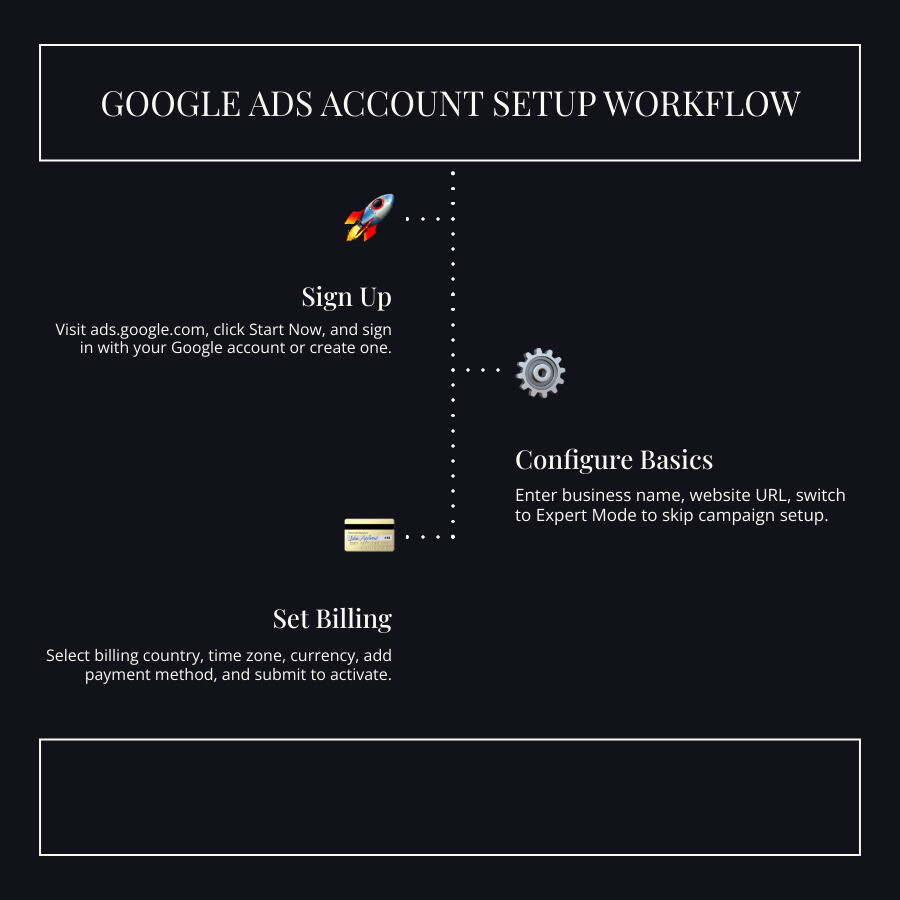
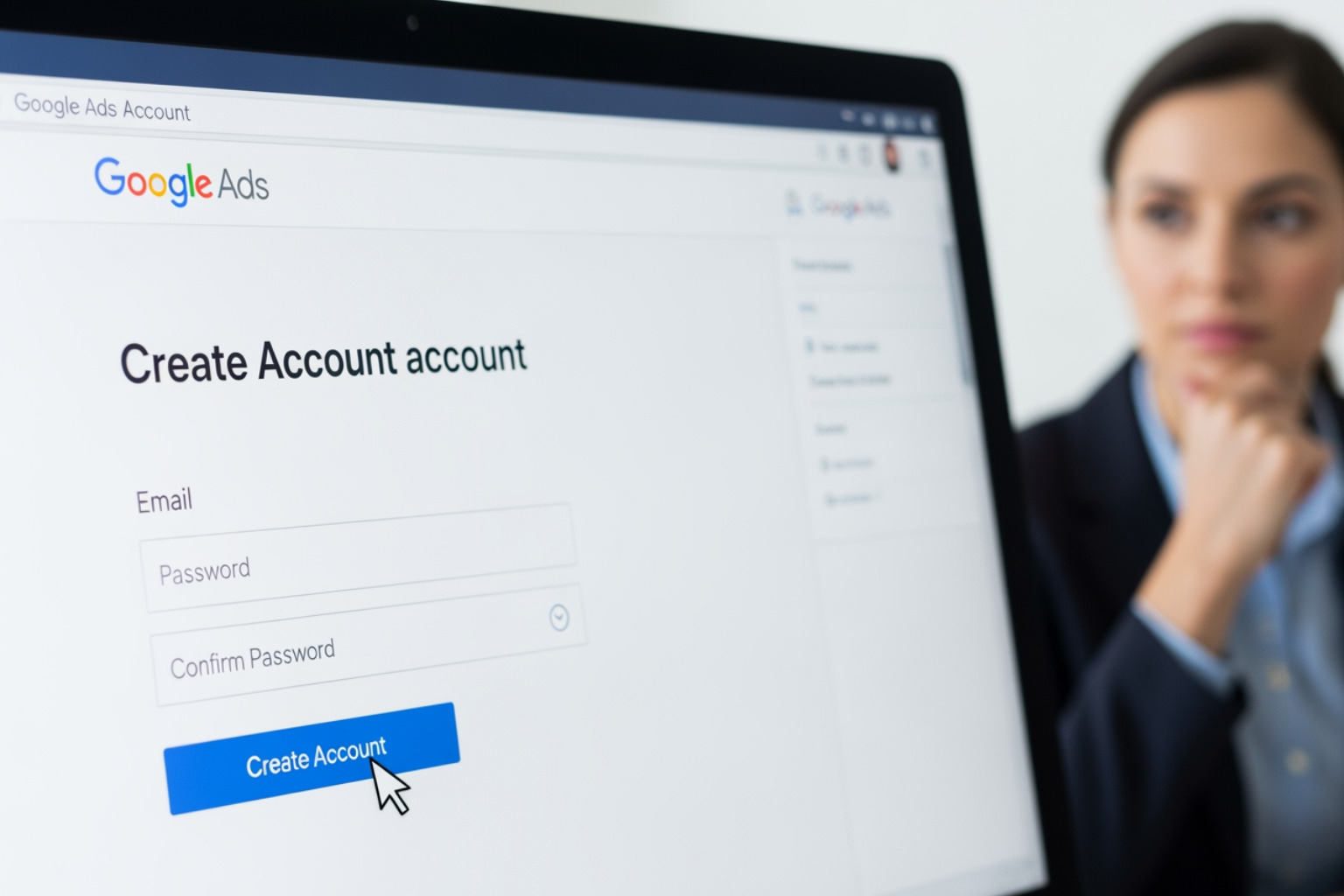
To create a Google Ads account, follow these steps:
- Go to ads.google.com and click Start Now
- Sign in with an existing Google account or create one
- Add your business name and website URL
- Switch to Expert Mode to skip straight to account creation (no campaign required)
- Enter your billing country, time zone, and payment details
- Click Submit — your account is ready
Google runs 2.3 million searches every second. That’s 2.3 million chances, every single second, for your business to appear in front of someone actively looking for what you offer.
Google Ads puts your business on the Search Network (Google search results) and the Display Network (millions of websites across the web). You only pay when someone clicks your ad. No clicks, no charge.
The results can be significant. Businesses using Google’s advertising tools have seen dramatic returns — one digital performance manager reported a 267% increase in ROAS using Google Shopping ads alone.
Getting started is simpler than most people think. You don’t need a big budget or technical expertise. You just need a Google account, a website, and about 10 minutes.
This guide walks you through every step.
Prerequisites for Your New Account
Before someone jumps in to create a google ads account, they need a few essentials in place. Think of this as packing your bags before a big trip; if you forget your passport, you aren’t getting very far.
First, a Google account is mandatory. While a personal Gmail works, it is often better to use a business-specific Google account. This keeps professional data separate and makes it easier to manage permissions if a team is involved. If a business doesn’t have one, they can go to accounts.google.com and select “To manage my business” during the setup.
Second, the website must be ready for prime time. Google Ads is a marathon, not a sprint, and the destination matters as much as the ad. A relevant, easy-to-navigate website is non-negotiable. If a user clicks an ad for “emergency roofing” but lands on a homepage about general home remodeling, they will likely bounce. This negatively impacts the Quality Score—a 1-10 rating Google uses to determine ad rank and cost.
Conversion goals are the third pillar. What should a visitor do? For a plumber in Canton, OH, a conversion might be a phone call or a form fill. For an e-commerce brand, it’s a purchase. Identifying these upfront ensures that the account is built to drive revenue, not just “vanity” clicks. For those in specialized trades, understanding PPC Marketing for Contractors can provide a blueprint for how these goals should look.
Finally, a commitment to the “heavy lifting” phase is required. The first month of a new account involves significant monitoring and data-gathering. It takes about 4 to 6 weeks for Google to establish “street cred” for a new advertiser, during which time Quality Scores may fluctuate. Success requires Mastering Data-Driven Advertising for Maximum ROI to ensure every dollar spent is working toward the final goal.
Step-by-Step Guide to Create a Google Ads Account
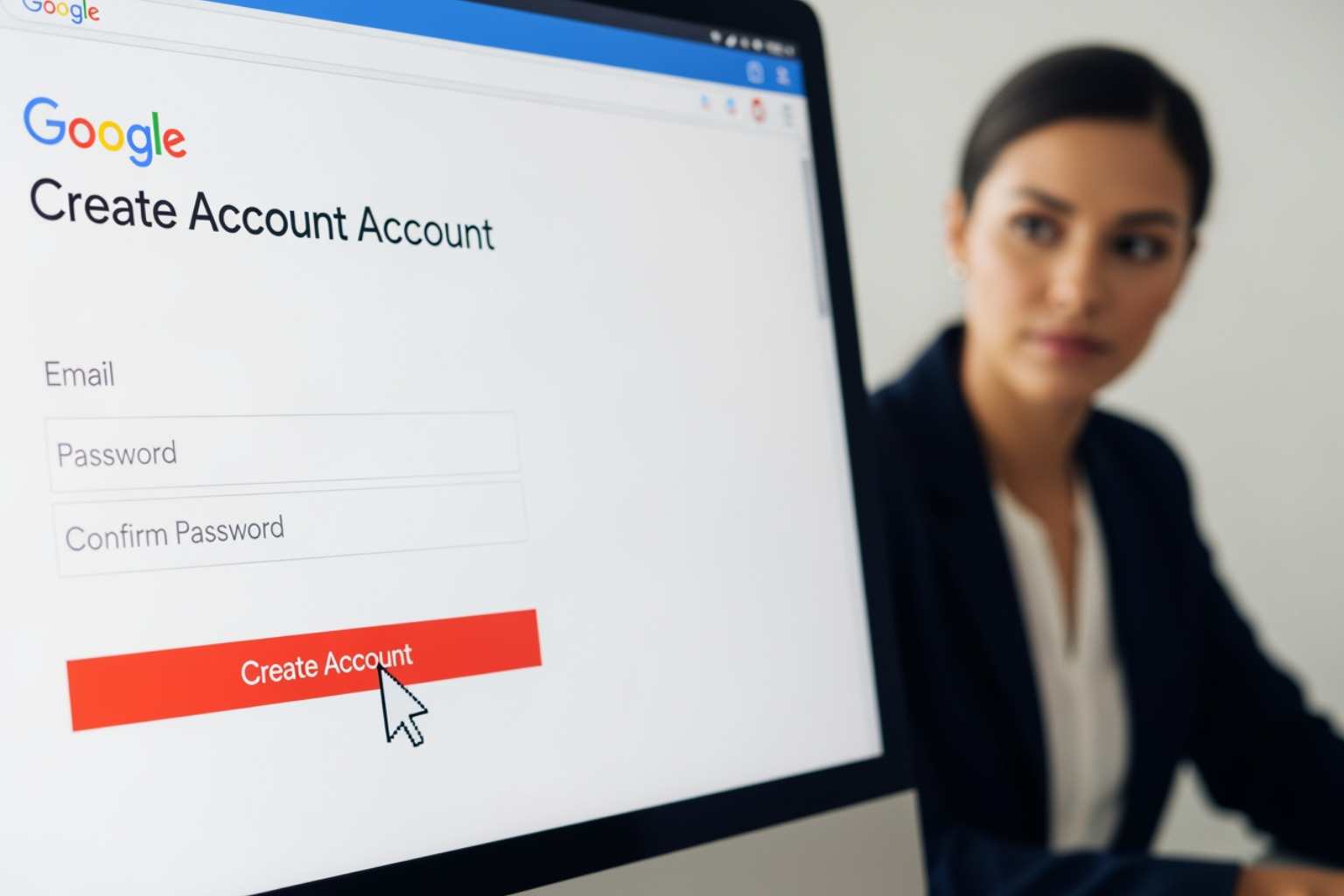
Ready to pull the trigger? The process is designed to be user-friendly, but there are a few forks in the road where a wrong turn can lead to a less-than-ideal setup.
1. Visit the Launchpad
Start by navigating to the Google Ads homepage. Click the blue “Start Now” button in the upper right corner. If an individual is already logged into a Google account, the system may automatically suggest using that email. If not, they will be prompted to sign in or SIGN UP FOR GOOGLE ADS.
2. Provide Business Identity
Google will ask for the business name and the website URL. Newly created accounts no longer support including URLs directly in the account name field. Providing an accurate URL is vital because Google uses this to “crawl” the site and offer customized recommendations for keywords and ad copy later in the process.
3. Account Ownership and Access
During this phase, the person setting up the account is the primary owner. However, they don’t have to do it all alone. Google allows for inviting other users later, so there is no need to share passwords—a practice Google strongly discourages for security reasons. For businesses that prefer a hands-off approach, utilizing Professional PPC Services can ensure the account is structured correctly from day one.
Switching to Expert Mode to Create a Google Ads Account
When a user first begins to create a google ads account, Google defaults to “Smart Campaigns.” These are automated campaigns designed for beginners who want to get an ad live in about 15 minutes. While convenient, Smart Campaigns offer limited control over bidding, keyword match types, and reporting.
To unlock the full power of the platform, look for the small link at the bottom of the screen that says “Switch to Expert Mode.”
Expert Mode is where the real magic happens. It allows the advertiser to:
- Choose specific campaign types (Search, Display, Video, Shopping).
- Set manual bids to control costs more precisely.
- Create an account without a campaign. This is a major “hack” for those who want to set up their billing and settings first without being forced to launch an ad immediately.
Setting Up Billing and Business Information
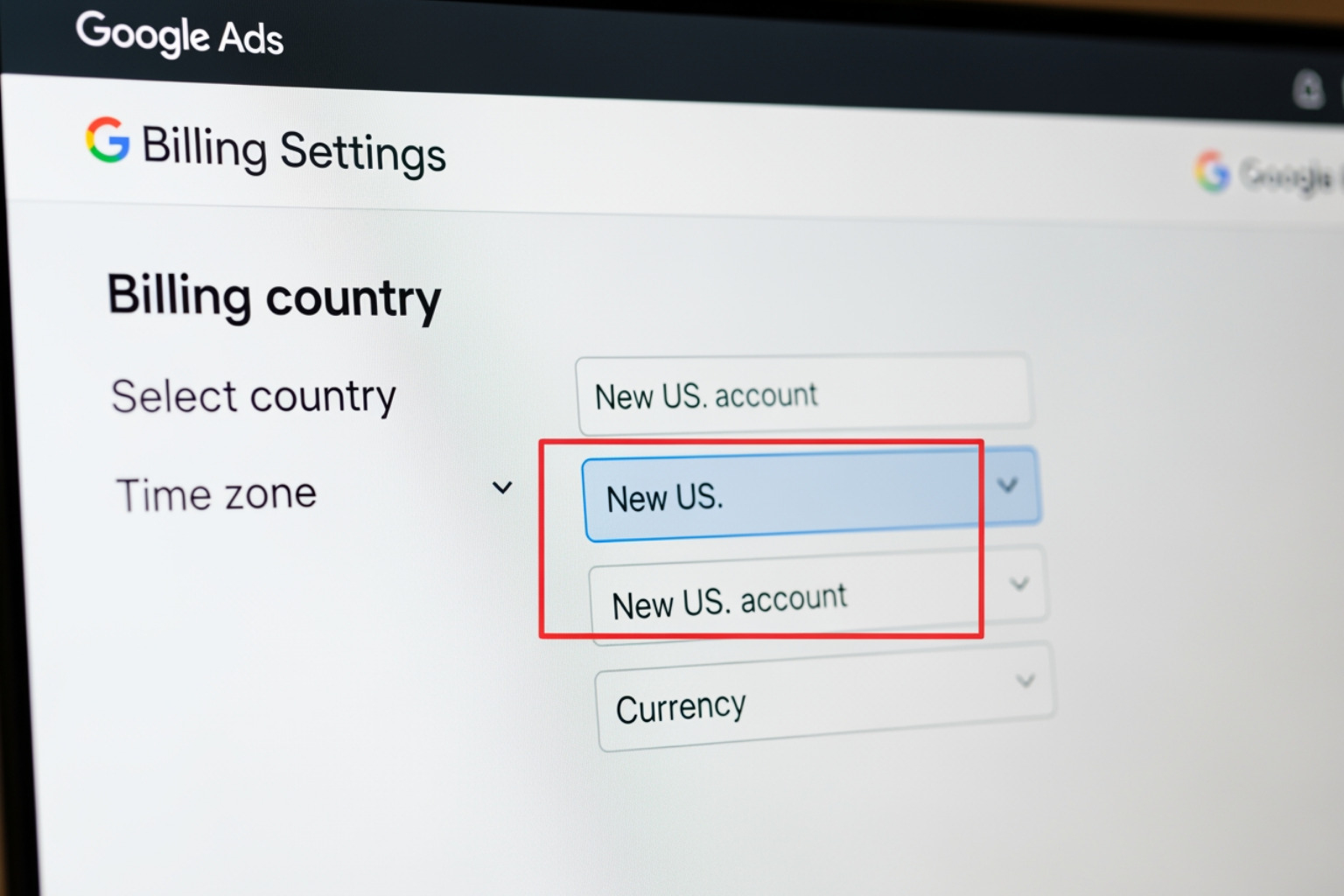
This section is where many people rush, but it contains the only settings in Google Ads that are truly “permanent.”
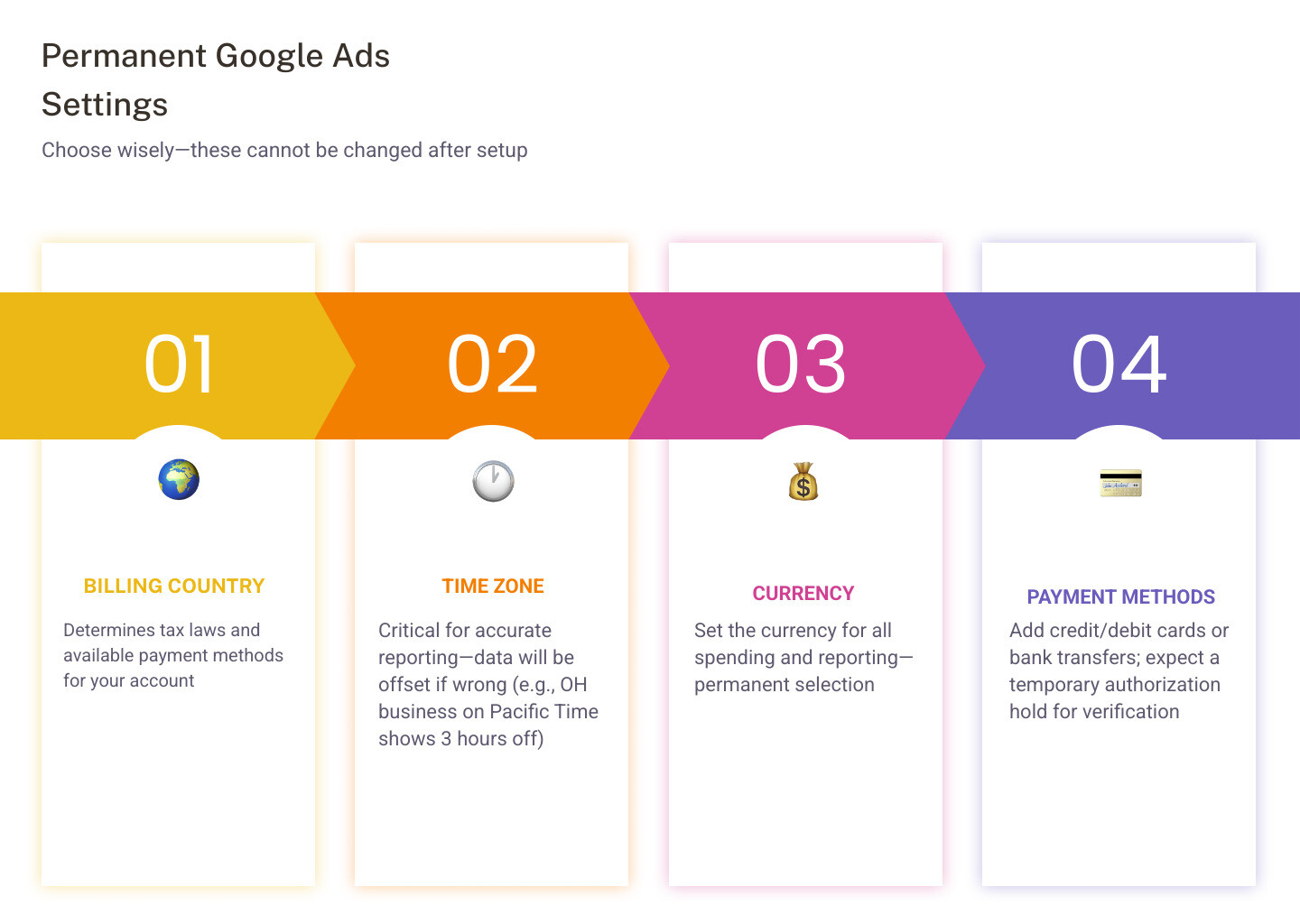
- Billing Country: This determines the tax laws and available payment methods for the account.
- Time Zone: This is critical for reporting. If a business is based in Canton, OH, but sets the time zone to Pacific Time, their data will always be three hours off. This cannot be changed later, so double-check it.
- Currency: Choose the currency used for business operations. Like the time zone, this selection is permanent.
- Payment Methods: Google typically accepts credit cards, debit cards, and bank transfers. In some cases, a temporary authorization hold may appear on a card to verify it, but this is usually removed within a week.
- Promotional Codes: If a new advertiser has a promo code (often offering ad credit after spending a certain amount), this is the time to enter it.
Advanced Management and Linking
For most small businesses, a single account is enough. However, as a brand grows or if an agency is involved, the structure becomes more complex. This is where the manager account Summary becomes relevant.
Manager Accounts (MCC)
A Manager Account, formerly known as “My Client Center” (MCC), is a powerful tool that allows a single login to manage multiple Google Ads sub-accounts. It is essentially an umbrella account. Agencies use these to keep client data separate while managing them from a central dashboard.
An interesting fact: while a standard email can only be associated with 20 Google Ads accounts, a Manager Account can handle hundreds. It doesn’t create ads itself but acts as a portal to the sub-accounts that do. This is a standard setup for niche-specific management, such as PPC for Plumbing Companies, where an agency might manage dozens of local plumbing accounts simultaneously.
Optimizing Your Setup After You Create a Google Ads Account
Simply having an account isn’t enough; it needs to “talk” to other tools to be effective. Linking accounts during or immediately after setup saves hours of manual work.
- Google Analytics: Linking Analytics allows for importing goals and seeing what users do after they click the ad. Do they stay for five minutes or leave in five seconds?
- YouTube: If a business plans to run video ads, linking a YouTube channel is essential. With 5 billion videos watched daily, YouTube is a massive opportunity. Statistics show that 72% of people watch in-stream video ads all the way through, making it a high-engagement platform.
- Google Merchant Center: For e-commerce businesses, this is the bridge that allows products to appear in Shopping ads.
- Conversion Tracking: This is the “brain” of the account. Without it, an advertiser is just spending money and hoping for the best. By setting up conversion tags, the account can use AI-based bidding to find more customers likely to convert.
For those interested in how these integrations lead to better results, exploring Data-Driven Advertising Insights can reveal how linked data feeds the algorithms that boost ROI.
Frequently Asked Questions
Can I create an account without a campaign?
Yes! As mentioned earlier, the trick is to Switch to Expert Mode. Once in Expert Mode, look for the link that says “Create an account without a campaign.” This allows a user to set up their billing, time zone, and currency settings and explore the dashboard without any financial commitment or live ads.
Can I change my account currency later?
No. Google is very strict about this. The currency and time zone are locked in once the account is created. If an error is made, the only solution is to cancel the account and create a new one, which means losing any historical data or Quality Score “street cred” that has been built up.
How do I manage multiple Google Ads accounts?
The best way is through a Manager Account (MCC). This allows a user to switch between different accounts with a simple dropdown menu. It also provides a “cross-account” view, where an advertiser can see the total spend and performance across all their different businesses or clients in one place.
Conclusion
The journey to create a google ads account is the first step toward transforming a digital presence. With over 1.5 million businesses generating billions in revenue through these tools, the potential for growth is undeniable. Whether a business is a local contractor in Canton, OH, or a global e-commerce giant, the platform offers the precision needed to find the right audience at the right time.
Once the account is verified and the first campaign is live, the focus shifts to optimization. Success in Google Ads isn’t about “setting it and forgetting it”—it’s about constant iteration and data analysis.
If the process seems daunting, or if the goal is to see an average 280% ROI increase like many professional campaigns achieve, expert help is available. MDM Marketing specializes in navigating these complexities, from initial setup to advanced AI-driven strategies. To see how a tailored strategy can work for your brand, Contact Us for a Custom Proposal and start your journey toward measurable growth today.
About Jay McCullough
This author hasn't written a bio yet.