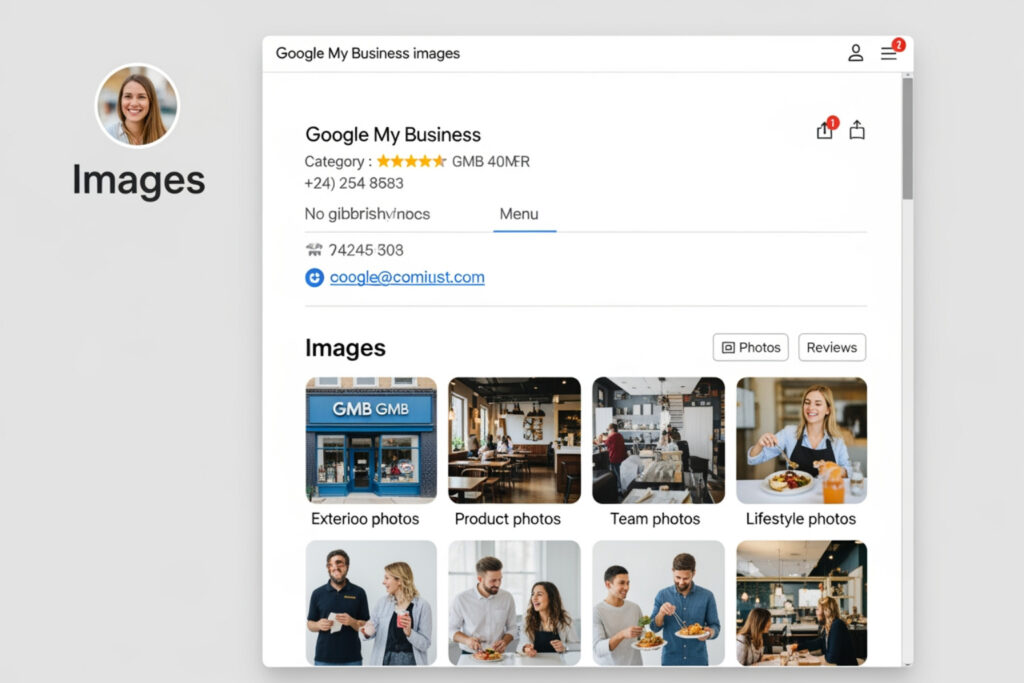
Why Google My Business Images Are the First Thing Customers Notice
Google My Business images are one of the most powerful tools you have for winning new customers in local search.
Here’s a quick answer to what you need to know:
| What You Need to Know | Key Facts |
|---|---|
| Best image formats | JPG or PNG |
| File size | 10 KB to 5 MB |
| Recommended resolution | 720 x 720 px (minimum 250 x 250 px) |
| Cover photo size | 1024 x 576 px |
| Logo size | 720 x 720 px |
| Max photos per listing | 2,000 |
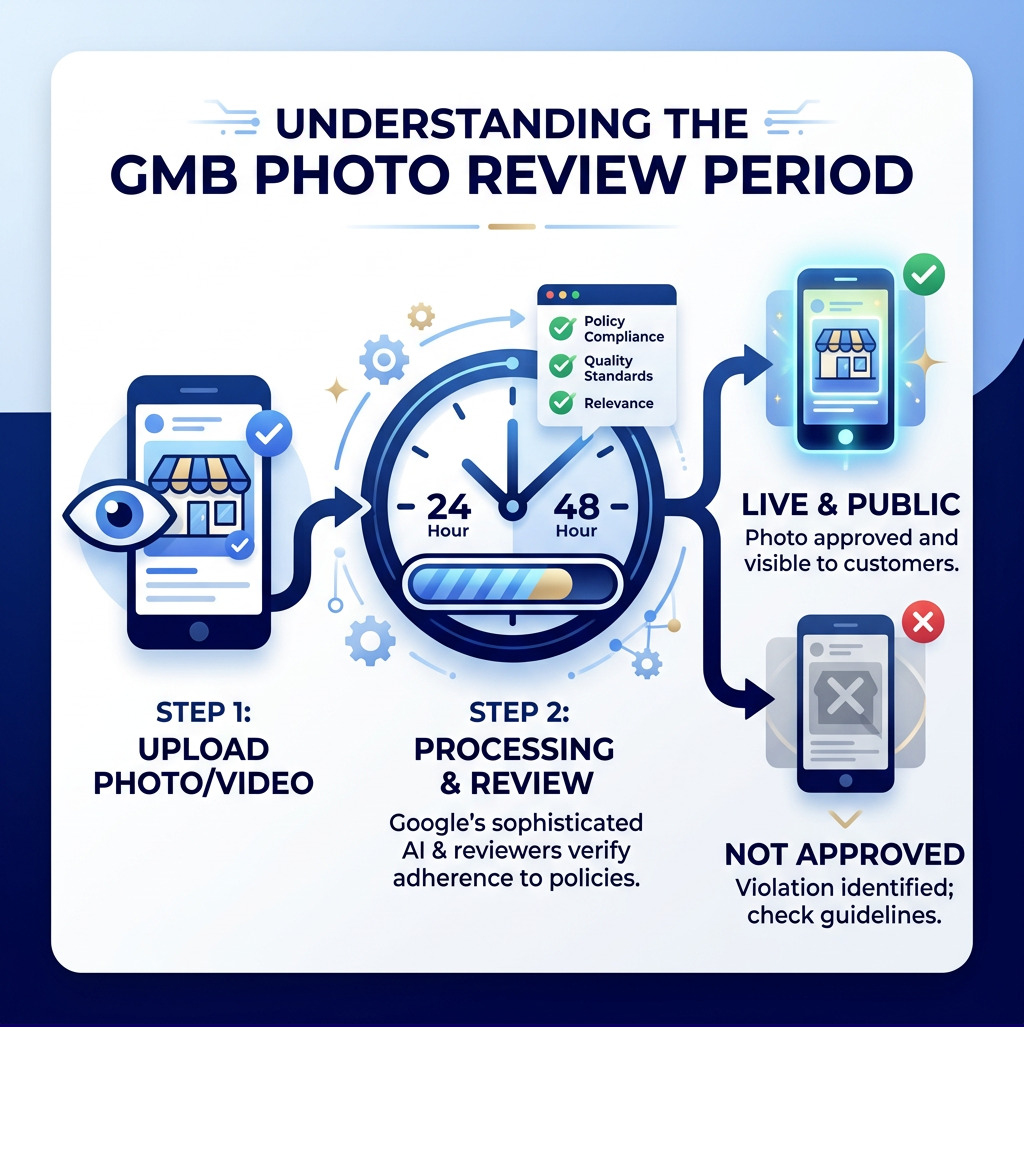
| How long to appear | 24–48 hours after upload |
| Profile must be verified? | Yes, before any photos go live |
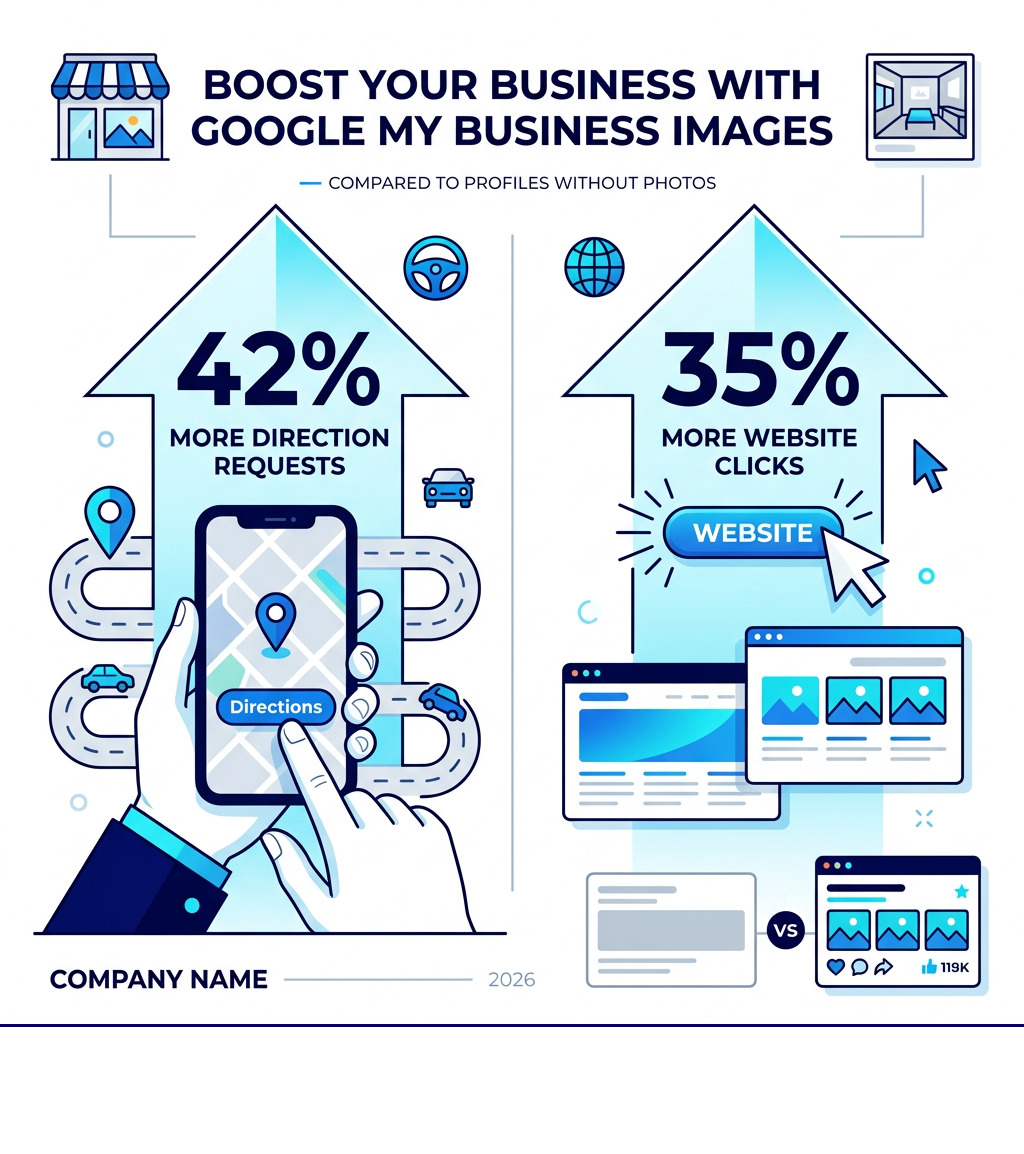
| Impact on directions requests | 42% more than profiles without photos |
| Impact on website clicks | 35% more than profiles without photos |
First impressions matter — and in local search, they happen before a customer ever visits your website.
When someone searches for your business on Google Search or Maps, your photos are often the very first thing they see. A profile with sharp, authentic images instantly signals that your business is real, active, and worth visiting.
Profiles without photos look unfinished. They feel untrustworthy. Customers scroll right past them.
The good news? Optimizing your Google Business Profile images is not complicated. With the right photo types, correct file specs, and a simple upload routine, you can make your profile look incredible — and start turning more searches into customers.
This guide covers everything: technical requirements, upload steps for desktop and mobile, the best photo categories for your industry, how to handle customer-uploaded photos, and common mistakes to avoid.
Why Visual Content Is Essential for Local SEO
In local search, a picture is worth much more than a thousand words—it’s worth a massive increase in customer engagement. When a business adds high-quality Google My Business images, they aren’t just making the page look “pretty.” They are directly influencing the metrics that Google uses to rank local businesses.
Research shows that businesses with photos receive 42% more requests for driving directions on Google Maps compared to those without. This is a staggering difference. If two businesses offer the same service in Canton, OH, the one with a vibrant gallery of interior and exterior shots is almost twice as likely to get a physical visitor.
Furthermore, these businesses see 35% more click-throughs to their websites. Visuals act as a trust signal. They prove that the business exists at the stated location and that the products or services are of a certain quality. This builds brand legitimacy and helps the profile stand out in the competitive “Local Pack” (the top three map results shown in Google Search).
Understanding the relationship between SEO and GMB is key to long-term growth. Google’s algorithm prioritizes active, complete profiles. By regularly updating visual content, a business signals to Google that it is operational and engaged with its customers. This leads to better visibility and higher conversion performance.
Technical Requirements for Google My Business Images
To ensure that images look professional and don’t get rejected by Google’s automated systems, specific technical standards must be met. Uploading a blurry or incorrectly sized photo can actually hurt a brand’s reputation rather than help it.
| Photo Type | Recommended Size | Minimum Size | Aspect Ratio |
|---|---|---|---|
| Logo | 720 x 720 px | 250 x 250 px | 1:1 (Square) |
| Cover Photo | 1024 x 576 px | 480 x 270 px | 16:9 (Landscape) |
| Business Photos | 720 x 720 px | 250 x 250 px | Flexible (Square preferred) |
Google supports both JPG and PNG formats. The file size should be between 10 KB and 5 MB. While it might be tempting to upload the highest resolution file possible, anything over 5 MB will likely be rejected.
Optimizing Your Google My Business Images for Quality
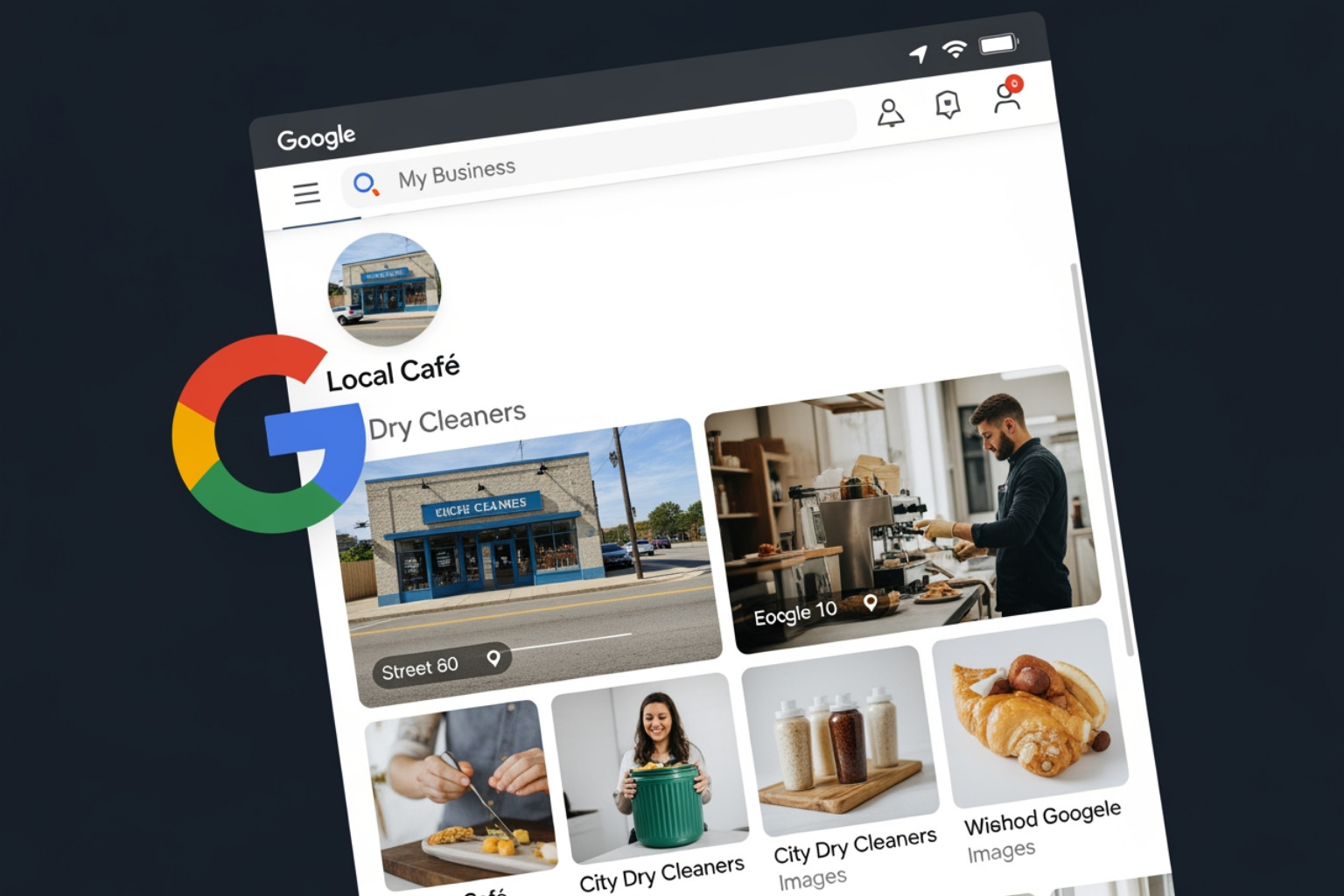
Beyond the numbers, the quality of the content matters. Google’s AI is incredibly sophisticated; it can “read” an image to determine if it’s relevant to the business category.
- Lighting: Photos should be well-lit. Avoid using heavy flash that creates harsh shadows or dark, grainy shots taken in poor lighting.
- Focus: The subject should be sharp. Blurry photos are often flagged as low quality and may not be shown to users.
- Filters: Avoid excessive filters or AI-generated distortions. Google prefers a real-world representation of the business. If a customer arrives and the storefront looks nothing like the photo because of heavy editing, it creates a negative experience.
- Policy Compliance: All images must follow Google’s Photo & Video Guidelines. This includes avoiding “distracting” elements like large text overlays or watermarks that cover more than 10% of the image.
Video Specifications for Business Profiles
Videos are an underutilized tool for making a profile look incredible. They allow for customer walkthroughs and behind-the-scenes content that static images simply can’t match.
- Duration: Up to 30 seconds.
- File Size: Up to 75 MB.
- Resolution: 720p or higher.
A quick 20-second clip of a team working on a project or a pan of a beautifully decorated restaurant interior can provide the “vibe” that convinces a customer to choose one business over another.
How to Manage and Upload Your Visual Assets
Managing these assets requires a verified profile. One of the most common frustrations for new business owners is wondering why their photos aren’t showing up. The answer is usually simple: Your photos and videos show up on Google only after you verify your Business Profile.
Once verified, there is still a processing time. Google typically takes 24–48 hours to review media. During this time, the status will show as “Pending.” If the media violates a policy, it will change to “Not Approved.” If it passes, it becomes “Live.” If a manager is seeing images but the public isn’t, they should investigate Why is My Google Business Profile Only Visible to Managers? to ensure verification is complete.
Knowing How to Manage Google My Business Account properly involves checking these statuses regularly to ensure the best content is being served to potential customers.
Step-by-Step: Adding Google My Business Images via Desktop and Mobile
Google has moved management directly into Search and Maps, making it easier than ever to add content on the fly.
On Desktop (Google Search or Maps):
- Sign in to the Google Account used to manage the Business Profile.
- Search for the business name or type “my business” into the search bar.
- Click on Add photo.
- Choose the type of photo (Photo, Logo, or Cover photo).
- Select the files from the computer and upload.
On Android or iOS (Google Maps App):
- Open the Google Maps app.
- Tap Business at the bottom right.
- Tap More and then Add photo.
- Select the photos from the device’s gallery and tap Post.
For those using a computer, detailed steps can be found on the Manage your Business Profile photos & videos – Computer help page.
Bulk Uploading for Multi-Location Brands
For brands managing 10 or more locations, manual uploads are inefficient. Google allows for bulk management via spreadsheets. This ensures consistency across all branches, making sure every storefront is recognized and branded correctly. Businesses can Add a Business to My Google Business Manager and then use the “Import” function to upload photos for multiple locations simultaneously.
Essential Photo Categories and Best Practices
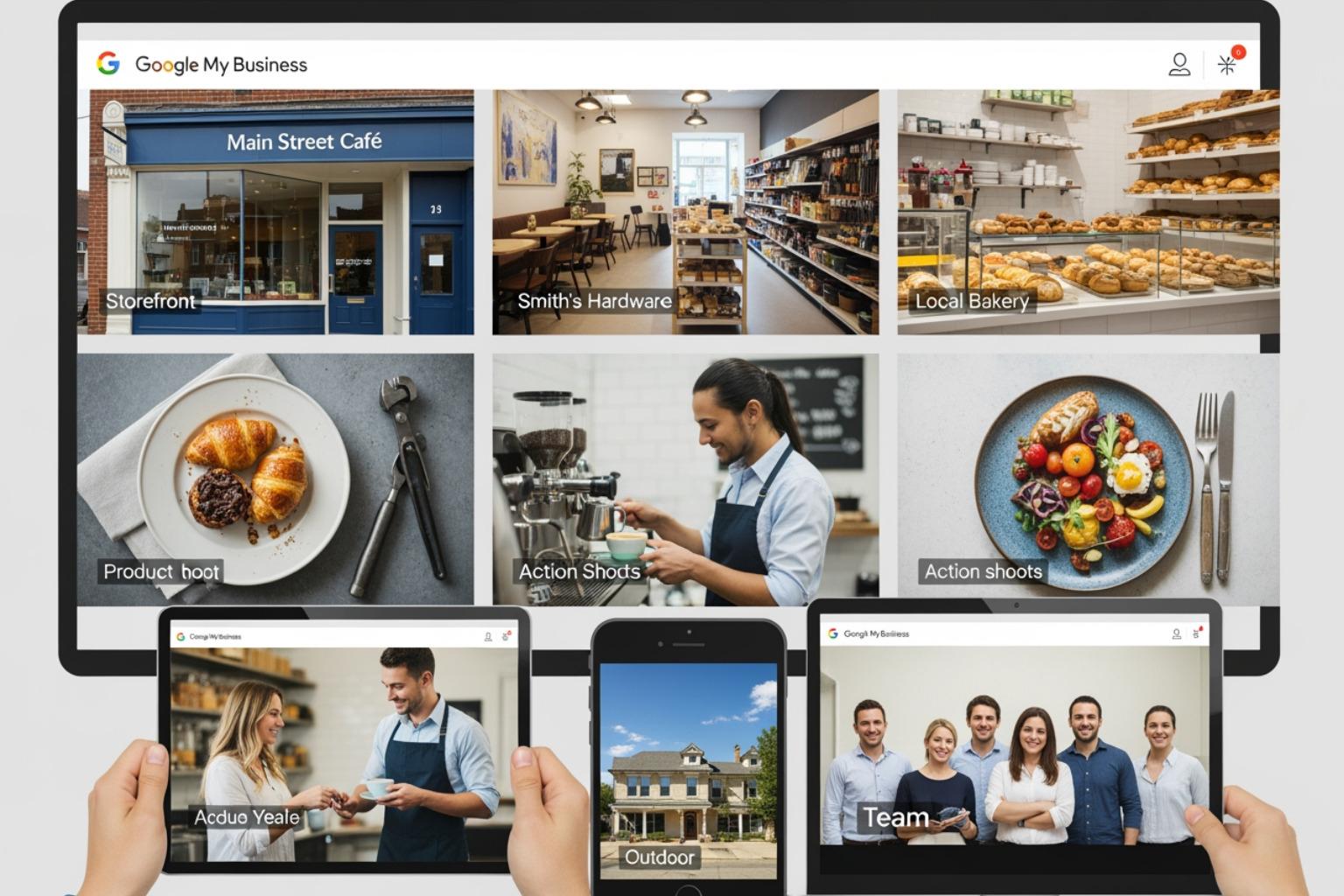
Google doesn’t just want any photos; it wants specific types that help customers make decisions. Google recommends adding at least three photos for each of the following categories:
- Exterior Shots: Capture the building from different angles and at different times of day. This helps customers recognize the business as they drive toward it.
- Interior Ambiance: Show the atmosphere. Is it a cozy cafe or a high-tech office? Customers want to know what it feels like to be inside.
- Product Showcases: If the business sells physical goods, high-resolution photos of the most popular items are a must.
- Team Photos: Humanize the brand. Photos of the staff being friendly and professional build trust before the first interaction.
- “At Work” Action Shots: Show the team providing services. Whether it’s a plumber fixing a leak or a consultant in a meeting, these photos demonstrate expertise.
- Food and Drink: Essential for restaurants. High-quality food photography is often the primary driver for new diners.
- Common Areas: For hotels and attractions, showing the lobby, gym, or pool helps travelers decide where to book.
Using GMB Optimization Services can help businesses ensure they are capturing the right shots to maximize their local impact.
Maximizing Engagement with Regular Updates
A common mistake is “setting and forgetting” the gallery. Freshness is a ranking signal. A business should aim for a weekly upload schedule. This doesn’t require a professional photographer every time; modern smartphone photos are excellent for showing day-to-day operations.
Seasonal updates are also highly effective. Showing the storefront decorated for the holidays or highlighting a summer-specific product keeps the profile relevant. Encouraging customers to share their own photos is another great way to keep the content flowing. You can learn more about this in the guide on how to optimize your Google Business Profile.
Troubleshooting and Content Policies
Sometimes, things go wrong. A logo might not display, or an inappropriate photo might appear.
Removing Photos: Owners can easily remove their own uploaded photos by clicking the trash icon in the photo viewer. However, removing customer-uploaded photos is different. Business owners cannot delete them directly; they must flag them if they violate Google’s guidelines.
Flagging Process:
- Find the photo on the Business Profile.
- Click the three-dot menu (or flag icon).
- Select “Report a problem.”
- Choose the reason (e.g., “Not relevant to this place,” “Offensive,” or “Copyright violation”).
Logo Issues: If a logo isn’t displaying, it’s often because the profile is incomplete. Ensure the business name, address, categories, phone number, and hours are all filled out. If technical glitches persist, it may be similar to issues like when Google Business Manager keeps declining a phone number change, requiring a support ticket or a re-upload of the asset.
Controlling Your Profile’s Image Order
One of the most frequent questions is: “Can I choose which photo shows up first?” The short answer is: Not exactly.
Google uses an algorithm to determine the order. It prioritizes high-quality, high-engagement images. While a business can set a “Preferred Cover Photo,” Google may still choose to show a user-submitted photo if it believes that photo is more helpful to the searcher. To influence the order, businesses should ensure their preferred photos are high resolution, correctly sized, and receive engagement (clicks).
Frequently Asked Questions about GMB Photos
Can I choose which photo appears first in search results?
While you can designate a “Cover Photo,” Google’s algorithm ultimately decides which image is the most relevant to a specific searcher. To increase the chances of your chosen photo appearing first, ensure it is high-quality, follows the 16:9 aspect ratio, and accurately represents your business.
How long does it take for new photos to show up publicly?
Typically, it takes 24 to 48 hours. Google reviews all media to ensure it complies with content policies. During this window, the photo may appear in your dashboard as “Pending.”
Why is my business logo not displaying on my profile?
Google requires a “complete” profile before displaying a logo in certain areas of search results. This means you must have your name, address, categories, phone number, and hours correctly entered. Additionally, if the logo is low resolution or poorly cropped, Google may choose not to display it.
Conclusion
Making a business look incredible on Google isn’t just about aesthetics—it’s about building a bridge of trust between a brand and its local community. By mastering Google My Business images, businesses in Canton, OH, and beyond can significantly increase their visibility, driving 42% more direction requests and 35% more website clicks.
MDM Marketing specializes in this kind of data-driven local SEO. With over 5 years of experience and a methodology that has delivered an average 280% ROI increase for clients, the team understands that every pixel counts. From precise technical implementation to continuous monitoring and optimization, professional profile management ensures that a business’s first impression is always its best.
Ready to transform your online presence and achieve sustainable growth? Explore how Local SEO services can take your Google Business Profile to the next level.
About Jay McCullough
This author hasn't written a bio yet.