
Why Every Local Business Needs a GMB Review Management Strategy
GMB review management is the process of monitoring, responding to, generating, and reporting reviews on your Google Business Profile (GBP) to protect your reputation and improve your local search visibility.
Here’s a quick overview of what effective GMB review management involves:
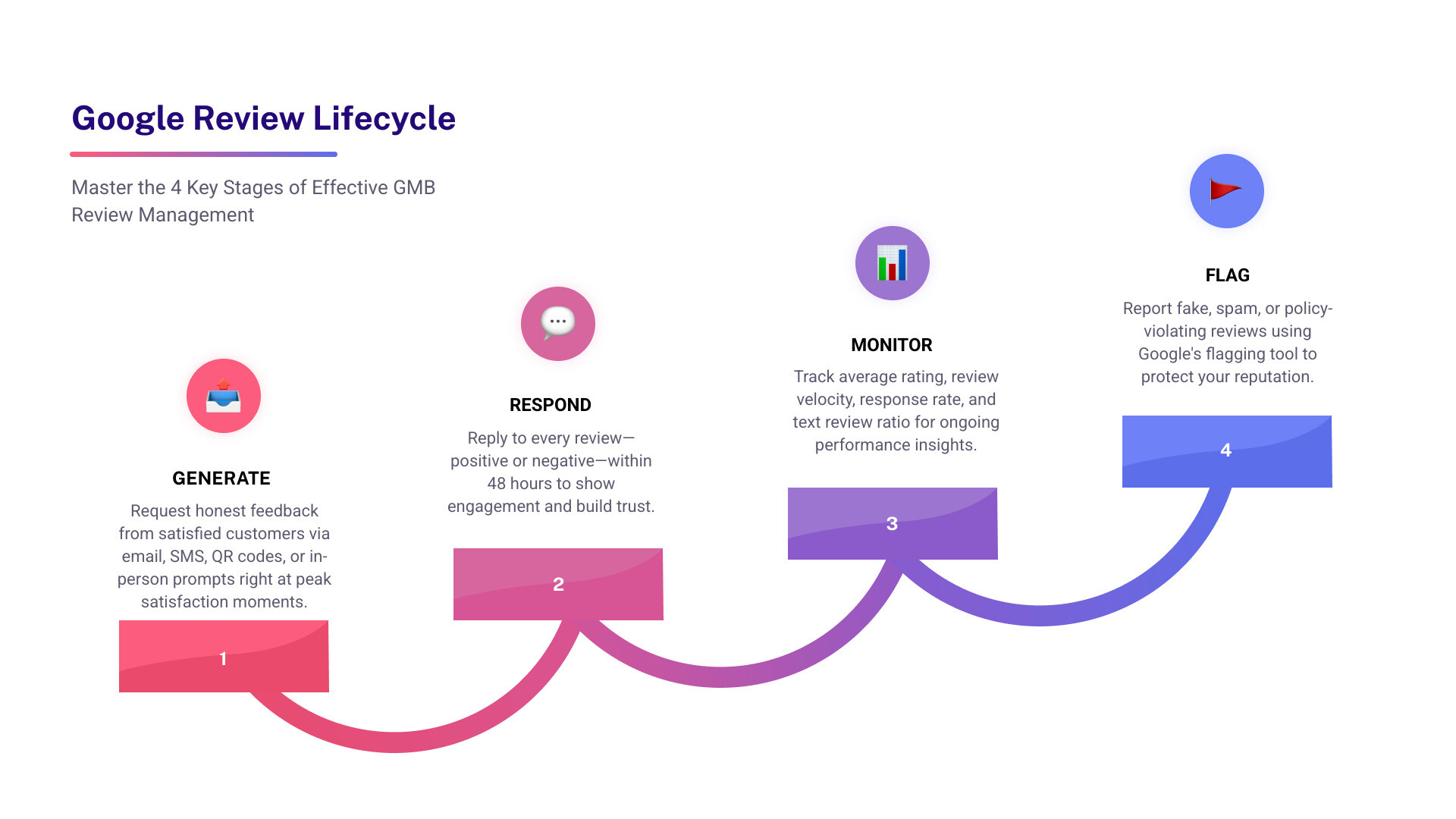
- Generate reviews – Ask customers for honest feedback through email, SMS, QR codes, or in person
- Respond to reviews – Reply to both positive and negative reviews promptly (within 48 hours)
- Report violations – Flag fake, spam, or policy-breaking reviews using Google’s flagging tool
- Track performance – Monitor your average rating, response rate, and review velocity
- Stay compliant – Follow Google’s guidelines (no incentives, no review gating)
Think about the last time you searched for a local business. Chances are, you checked the reviews before doing anything else.
You’re not alone. 93% of consumers say online reviews influence their purchasing decisions. And upwards of 85% are more likely to choose a business based on what past customers say online.
That’s a huge amount of trust sitting inside your Google Business Profile — trust that can either work for you or against you, depending on how well you manage it.
The problem? Most small and mid-sized businesses treat reviews as something that just happens to them. A good review rolls in, great. A bad one shows up, panic. No system, no strategy, no consistency.
That’s where things fall apart.
A well-run review management strategy does three things at once: it builds consumer trust, strengthens your local SEO rankings, and gives you real feedback to improve your business. Ignore it, and you’re leaving all three on the table.
This guide walks you through everything — Google’s policies, how to get more reviews the right way, how to respond without sounding robotic, and the tools that make it all manageable.
Why GMB Review Management is the Backbone of Local SEO
If you think reviews are just about “looking good,” it is time for a perspective shift. In SEO and GMB, reviews are a powerhouse ranking signal. Google’s algorithm uses reviews to determine your “Prominence,” which is one of the three pillars of local search rankings (alongside Relevance and Distance).
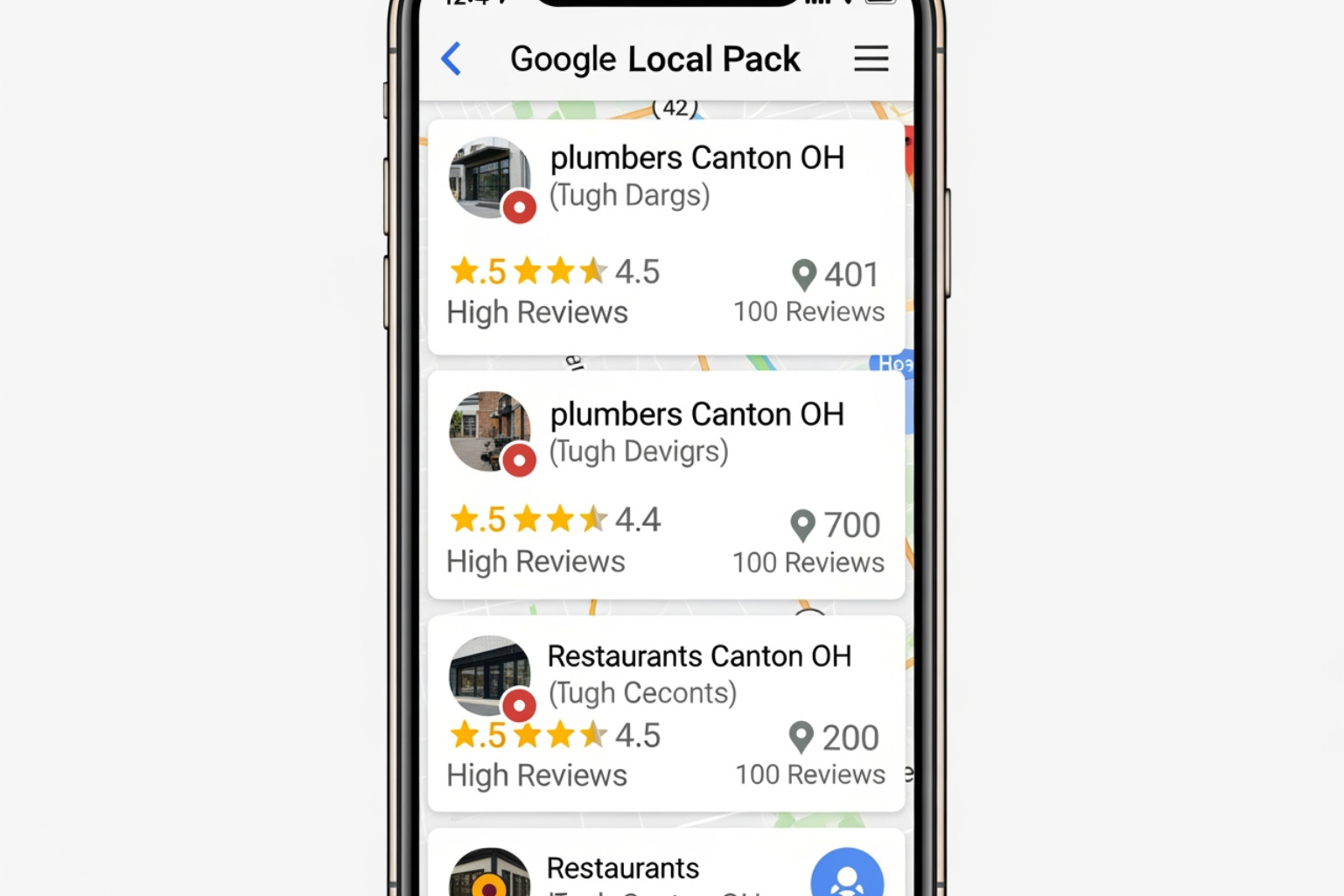
When you consistently engage in gmb review management, you are sending signals to Google that your business is active, trustworthy, and popular. This activity directly impacts your visibility in the Google Maps Local Pack. A profile with 100 reviews is inherently more trustworthy to both Google and humans than one with only 10, even if the star ratings are identical.
Furthermore, the rise of AI Overviews (powered by Gemini models) has changed the game. Google’s AI now scans the content of your reviews to answer user queries. If a customer writes a detailed review mentioning your “fast burst pipe repair,” your business is much more likely to appear when someone asks Google, “Who is the best plumber for burst pipes near me?” AI Overviews prioritize quality, detail, and recency. By learning how to optimize your Google Business Profile, you ensure that your reviews provide the “trust signals” the AI needs to recommend you.
Effective gmb review management ensures that your search intent matches what customers are actually finding. It’s not just about the stars; it’s about the keywords and sentiment buried within the text. To dive deeper into these mechanics, you can learn more about how engagement metrics drive your position on the map.
Navigating Google’s 2025 Review Policies and Guidelines
Google isn’t playing around when it comes to review integrity. Their 2025 policy updates are stricter than ever. If you want to keep your profile safe, you need to understand the Maps user-generated content policy.
Here are the big “No-Nos” that can get your reviews deleted or your entire profile suspended:
- No Incentives: You cannot offer gift cards, discounts, or raffle entries in exchange for a review. If Google suspects you are “buying” feedback, they will strip those reviews away.
- No Review Gating: This is the practice of only asking happy customers for reviews while sending unhappy ones to a private feedback form. Google requires that you ask all customers equally.
- No Conflict of Interest: You cannot have employees post reviews, and you definitely cannot post reviews for your own business or your competitors.
- No Fake Content: Reviews must be based on real experiences. Spam, gibberish, and “paid bulk reviews” are easily caught by Google’s increasingly smart filters.
Understanding how to manage your Google Business Profile account means staying on the right side of these rules.
Mastering gmb review management through Compliance
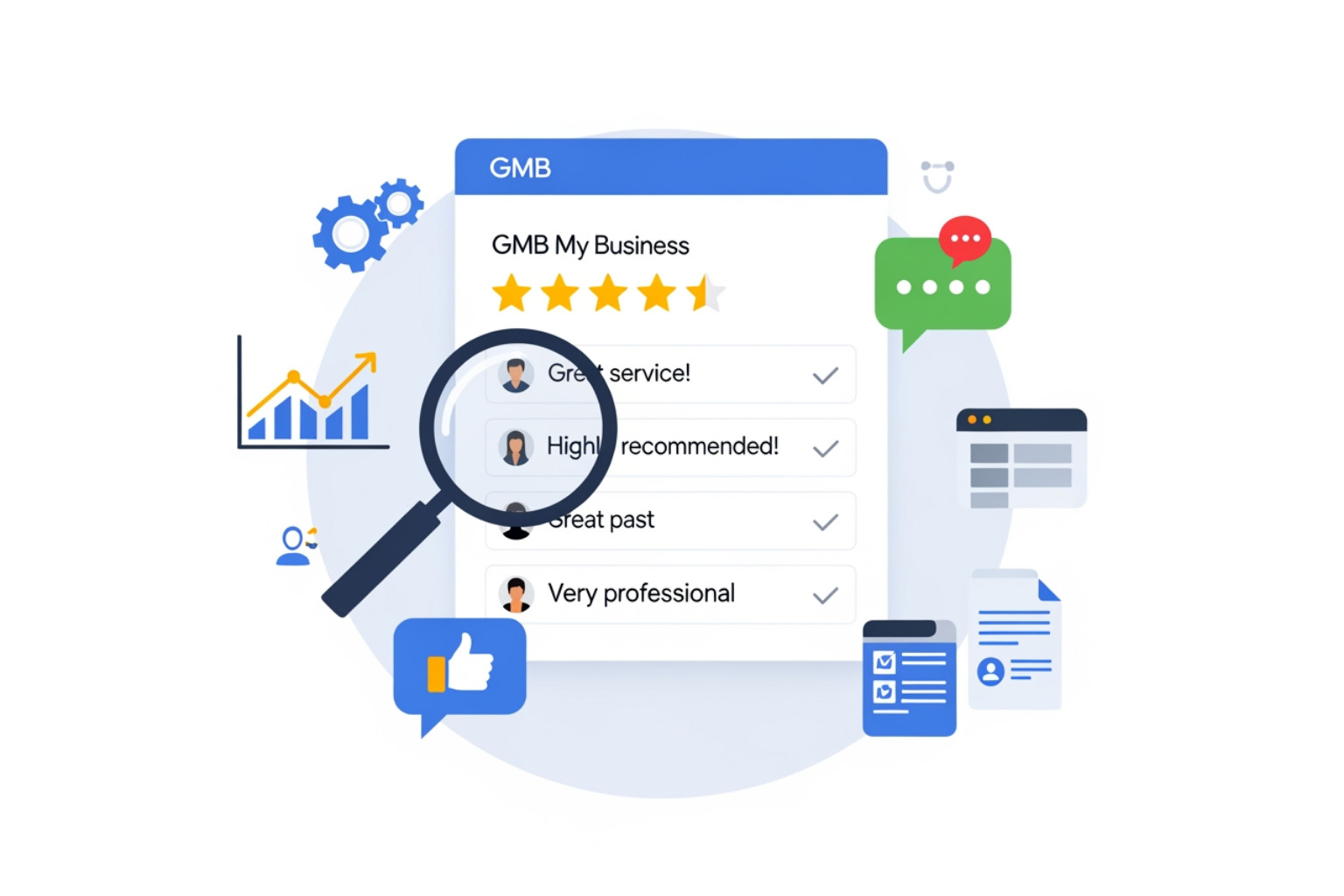
Compliance isn’t just about avoiding punishment; it’s about building a sustainable brand. Authentic feedback is the only way to build long-term trust. When you manage your Google Business reviews properly, you focus on the customer experience first.
Before you can even reply to a review, you must complete your business verification. This ensures that only the rightful owner or authorized managers can engage with customers. Once verified, your Google Business Account becomes a two-way communication channel that proves to potential leads that you are a real, responsive business.
Reporting and Flagging Inappropriate Content
We’ve all been there: a “customer” leaves a one-star review for a service you don’t even provide, or a bot floods your profile with nonsense. This is where managing your reviews through the flagging tool becomes essential.
Recent updates to the flagging menu have made the process more transparent. You can now select specific reasons for removal, such as “Personal Information,” “Conflict of Interest,” or “Spam.” Once you flag a review, Google typically provides a 3-day notice while a human representative (not just an algorithm) reviews the request. This human element is a major improvement, ensuring that legitimate complaints from owners aren’t just lost in a digital void.
Proven Strategies for Generating and Responding to Reviews
How do you get more reviews without breaking the rules? And how do you respond to that one grumpy customer who had a bad day?
For responses, we recommend the 3R Framework:
- Reflect: Acknowledge the customer’s specific experience. (e.g., “I’m sorry to hear your coffee was cold.”)
- Resolve: Offer a solution or explain what you’ve done to fix the issue. (e.g., “We have retrained our baristas on milk temperature.”)
- Redirect: Take the conversation offline if necessary. (e.g., “Please email us at support@yourbiz.com so we can make this right.”)
When it comes to generation, timing is everything. You want to ask for feedback during “peak satisfaction” moments. For a restaurant, that’s right after a great meal. For a service provider, it’s immediately after the job is finished. You can use QR codes on receipts, SMS nudges, or email follow-ups to make the process frictionless. According to industry research, most customers are happy to leave a review if you just make it easy for them.
If you find that your profile isn’t showing your updates, check out why your Google Business Profile might only be visible to managers to ensure your public-facing info is live.
Scaling Your gmb review management with AI and Automation
As your business grows, manually replying to every review can become a full-time job. This is where GMB Optimization Services and automation tools come in. AI can help you draft responses in seconds, ensuring you hit that critical 48-hour response window.
| Feature | Manual Management | Automated/AI Management |
|---|---|---|
| Response Speed | Hours to Days | Seconds to Minutes |
| Consistency | Varies by mood/staff | Stays on-brand via presets |
| Sentiment Tracking | Hard to quantify | Real-time data visualization |
| Scalability | Difficult for multi-location | Built for bulk processing |
By using tone presets (Professional, Friendly, Casual), you can maintain a personal touch while saving hours of work. The goal is a 90%+ response rate, which signals to Google that you are a high-performing, engaged business.
Technical Tools and Metrics for Success
For businesses with multiple locations, the GMB API is a lifesaver. It allows developers to use functions like batchGetReviews to pull data from dozens of locations into one dashboard. If you are working with review data at scale, this is the only way to stay sane.
To measure if your gmb review management is actually working, track these four metrics:
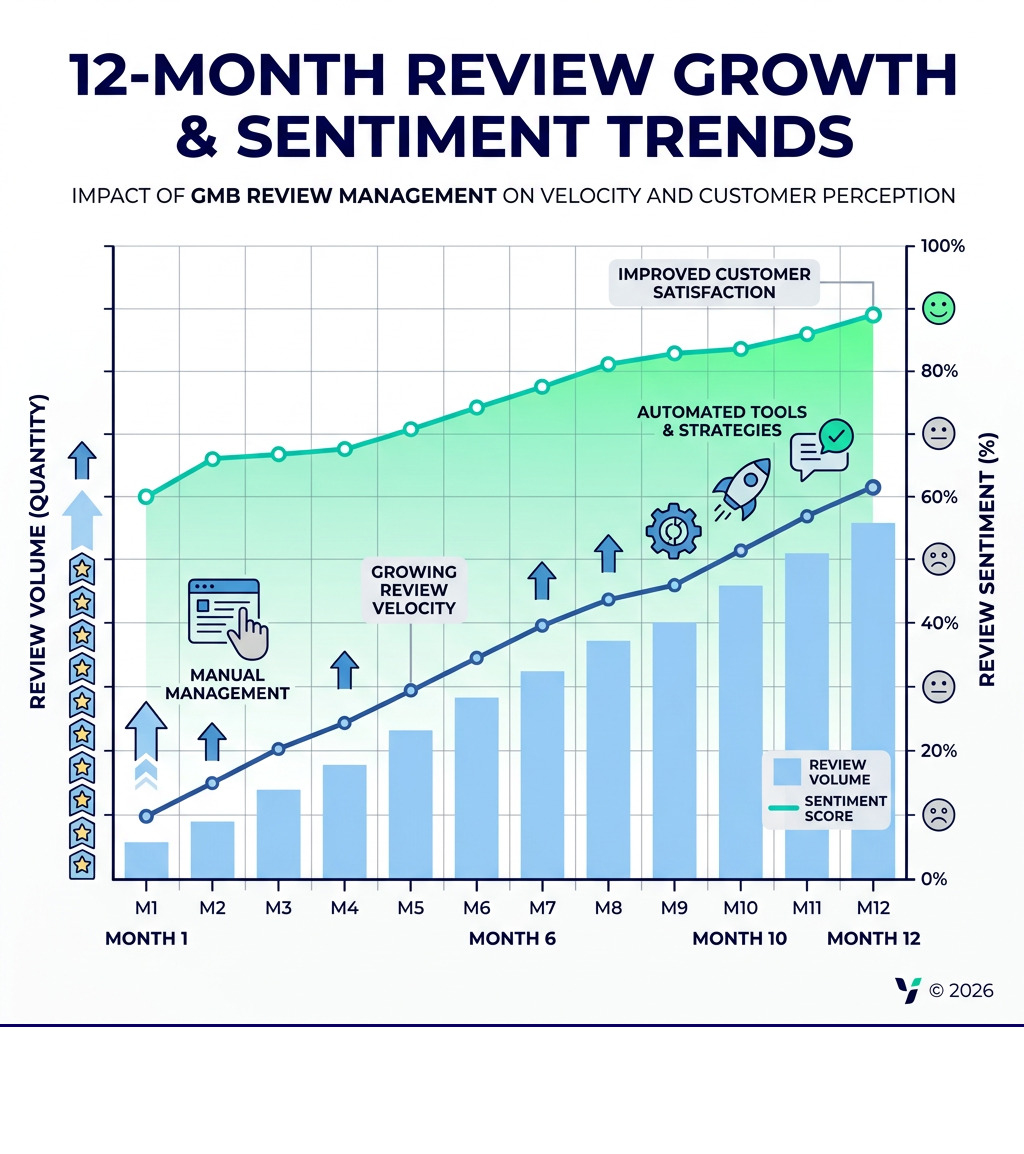
- Review Velocity: How many new reviews are you getting each month? High velocity shows Google your business is “trending.”
- Text Review Ratio: What percentage of reviews include written comments? Text-heavy reviews provide more keyword value for SEO.
- Owner Response Rate: Are you replying to at least 90% of reviews?
- Average Rating: Aim for a 4.3-star benchmark. Interestingly, a perfect 5.0 can sometimes look “too good to be true” to skeptical consumers.
If you need help setting this up, consider adding a manager to your Google My Business profile so an expert can handle the technical heavy lifting. Properly managing company Google accounts is the first step toward data-driven growth.
Frequently Asked Questions about Google Reviews
How do I get a direct link for customers to leave a review?
Google provides a shortened Google review link directly in your dashboard. Log into your profile, look for the “Get more reviews” button, and copy that URL. You can turn this link into a QR code for in-store signage or include it in your email signatures.
Can I delete a negative review left by a customer?
Generally, no. You cannot delete a review just because it’s negative. You can only flag it if it violates Google’s policies (e.g., it’s fake or contains hate speech). The best strategy for a legitimate negative review is to respond professionally and try to resolve the issue. If you need help managing access for your team to help with this, learn how to add someone to manage your Google My Business.
What are “Reviews from the Web” on my profile?
Google often aggregates reviews from third-party sites like Facebook, Yelp, or industry-specific directories. These “Reviews from the Web” serve as additional trust signals and strengthen your brand authority. While you can’t manage these directly through GBP, they underscore the importance of maintaining a positive reputation across the entire internet.
Conclusion
Mastering gmb review management isn’t a one-time task; it’s an ongoing commitment to your customers and your digital presence. By staying compliant with Google’s policies, responding with the 3R framework, and tracking the right metrics, you can transform your Google Business Profile into a lead-generation machine.
MDM Marketing specializes in helping businesses navigate these complexities. From Local SEO to full-scale Search Engine Optimization Services, we provide data-driven strategies that deliver measurable outcomes. Our clients see an average 280% ROI increase because we don’t just “manage” profiles — we optimize them for sustainable growth.
Ready to take control of your reputation and climb the rankings? Contact MDM Marketing today to start your journey toward a more visible, more trusted, and more profitable business.
About admin
This author hasn't written a bio yet.